
Windows 11 Previews Remote Lock Feature for Lost Devices
Windows 11 is previewing a new Remote Lock feature for Intune-managed devices, allowing IT administrators to secure lost or stolen hardware without erasing data.
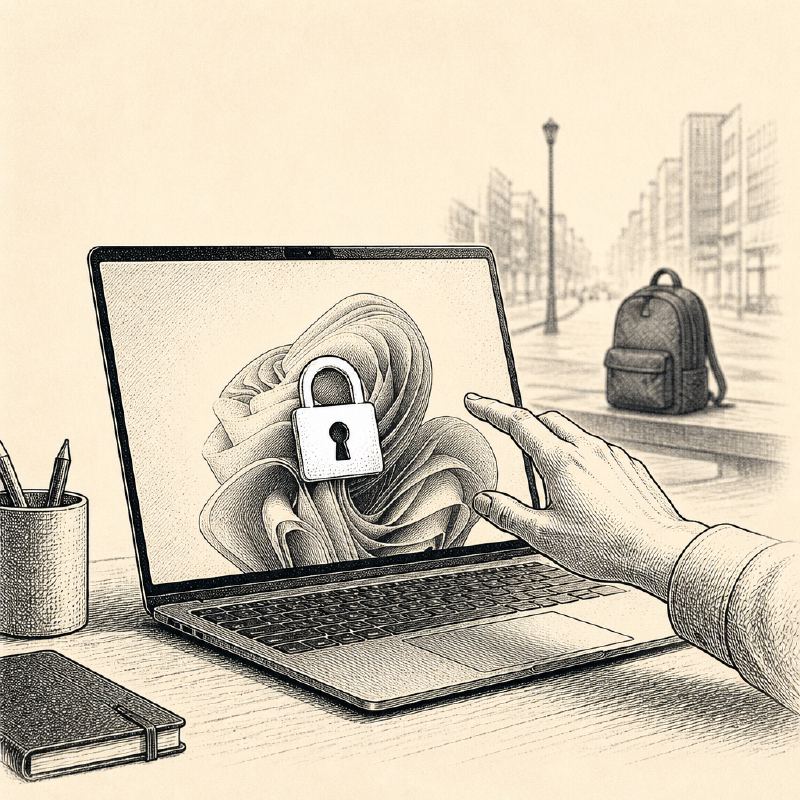
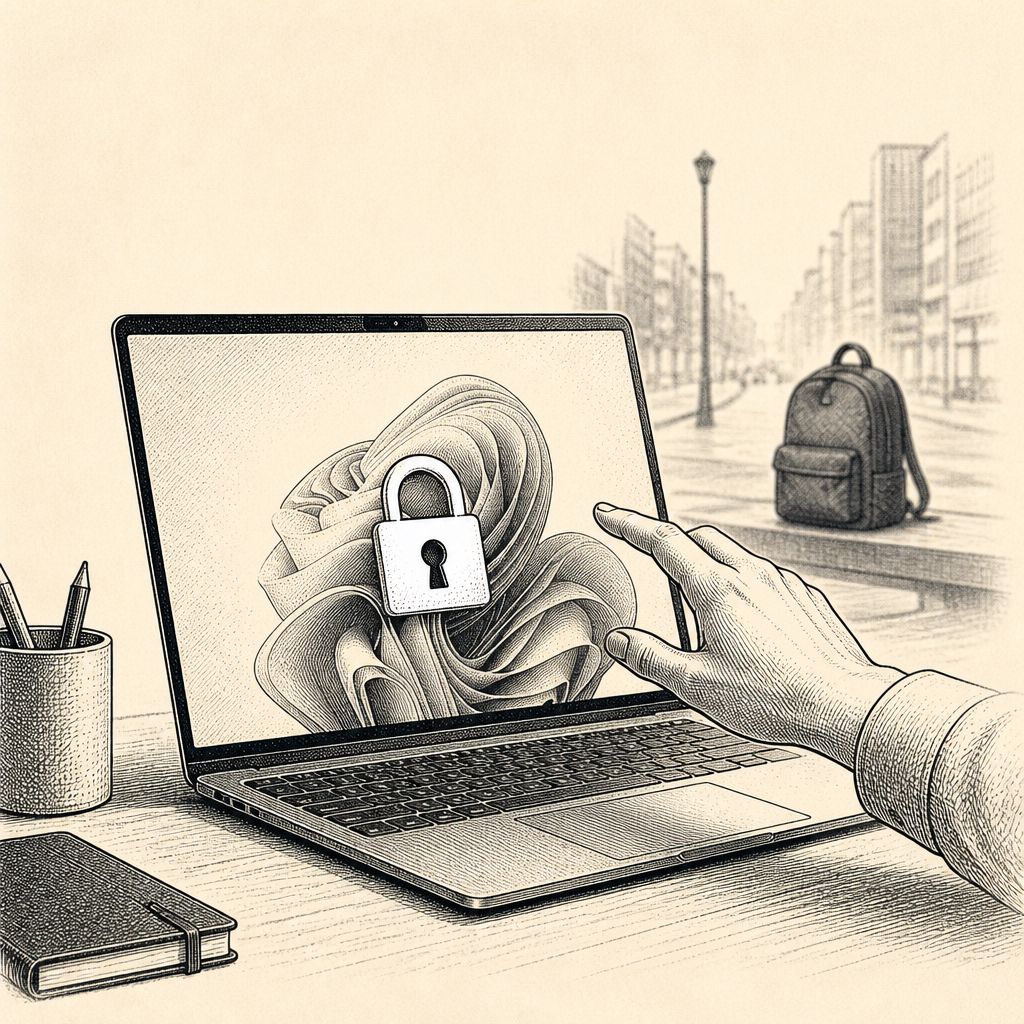
Microsoft is testing a new security feature in an upcoming Windows 11 build that could significantly aid organizations in managing lost or stolen devices. Dubbed "Remote Lock," this capability allows IT administrators to remotely lock down a device managed through Microsoft Intune, preventing any further access without resorting to a full data wipe.
The Remote Lock command takes effect the next time the managed device checks in with Intune. Once activated, Windows will sign out all active user sessions, hide all sign-in options, and present a locked screen. Crucially, this lock persists through device restarts and even if the device goes offline, ensuring that unauthorized individuals cannot gain access.
Microsoft's documentation emphasizes the strict nature of this feature: "There is no offline or local unlock. No PIN, password, local admin, or web sign-in works on a locked device; unlock arrives only through Intune." This means that even if an attacker obtains stolen credentials, they will be unable to bypass the lock screen through conventional means. The feature specifically targets the device itself, leaving the user's account unaffected.
While still in preview, the Remote Lock functionality offers a non-destructive alternative to remote wiping. Instead of erasing all data, which can be disruptive and time-consuming to restore, administrators can simply render the device unusable to unauthorized parties. This approach aims to provide a more flexible and less impactful response to situations involving missing hardware.
However, the feature has limitations. It does not prevent access through Safe Mode, the Windows Recovery Environment, or by booting from external media. To mitigate these potential bypasses, Microsoft strongly advises organizations to maintain BitLocker encryption on their devices, which would still protect the data even if the operating system itself is bypassed.
Alongside the Remote Lock preview, the same Windows 11 build also introduces enhancements to passkey management for FIDO2 security keys, allowing users to view and remove stored passkeys individually. Additionally, a preview of the Microsoft Pluton Cryptographic Provider is included, further bolstering hardware-level security.
In a separate development within a beta build, Microsoft is retiring the Windows UWP Map control and Windows Maps platform APIs, effectively removing the legacy Maps app and its offline capabilities. This move signifies the continued phasing out of features with roots in the Windows Phone era, as the Maps app, originally from Windows Phone 7, is no longer preinstalled on recent Windows 11 versions.
The introduction of Remote Lock highlights Microsoft's ongoing efforts to enhance endpoint security for enterprise environments, providing administrators with more granular control over device security in the face of physical loss or theft.