
Tech Support Scammers Target iPhone Users with Fake Apple Pay Notifications
A new tech support scam is tricking iPhone users with a fake Apple Pay notification designed to mimic legitimate Apple interfaces and alarm users into calling fraudulent support numbers.
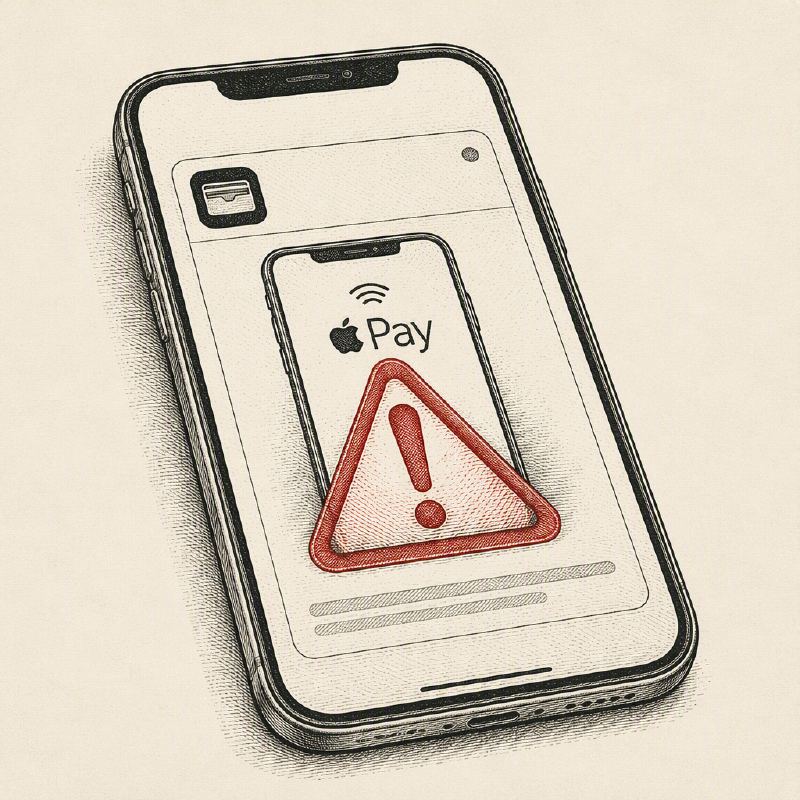
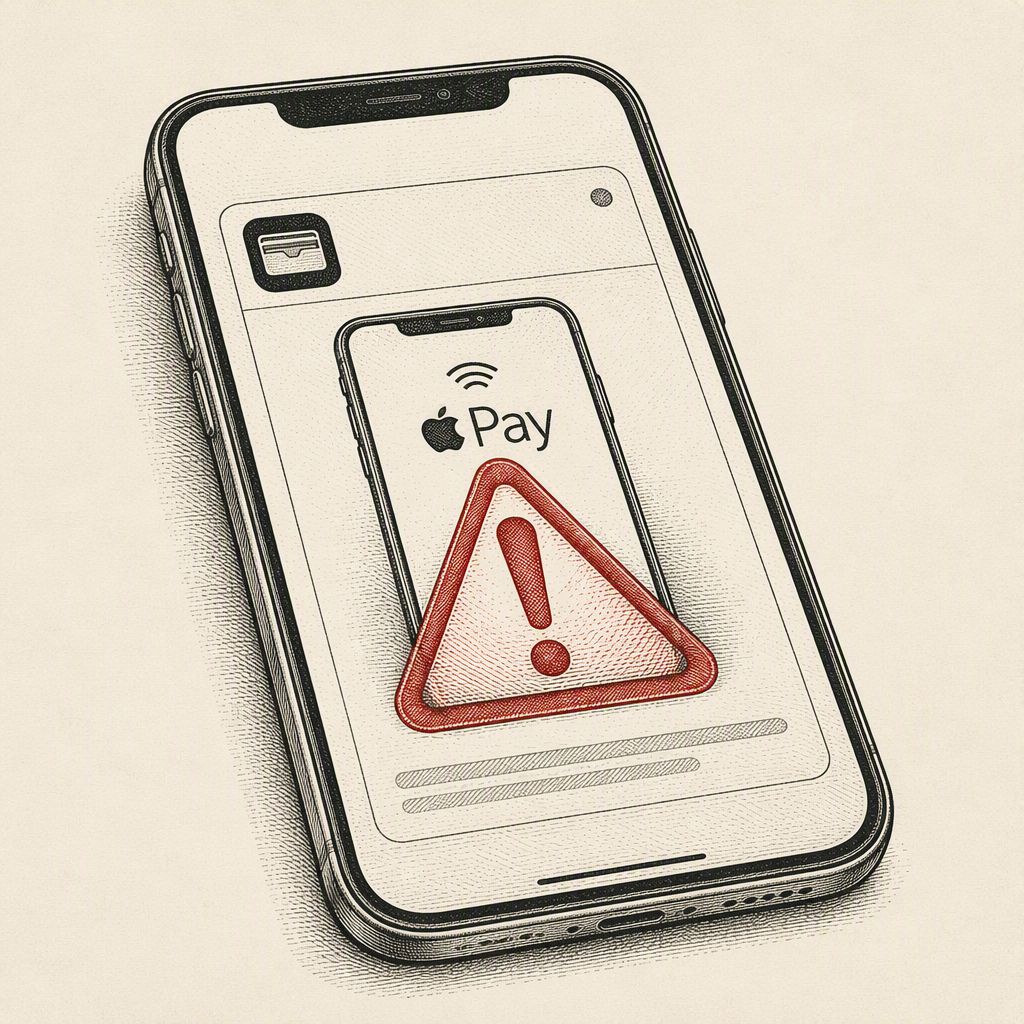
Cybercriminals have devised a new iteration of the classic tech support scam, specifically targeting iPhone users with a sophisticated fake Apple Pay notification. Unlike older scams that relied on desktop pop-ups, this attack is tailored for mobile devices, leveraging familiar iOS interfaces to create a sense of urgency and legitimacy.
The scam begins with a webpage that appears to show Apple Pay processing a $657 App Store payment. It includes visual cues like a spinner, a "Face ID · verifying identity" prompt, and a padlock icon, all designed to mimic a genuine transaction in progress. This initial screen aims to capture the user's attention and create immediate concern about an unexpected charge.
Shortly after the fake payment verification, the page shifts to display a fabricated security alert. It claims the user's Apple ID has been locked due to suspicious activity, such as an unrecognized sign-in. This escalation is designed to heighten the victim's anxiety, making them more susceptible to the scammer's next move.
A prominent phone number is then presented, instructing the user to call Apple Support immediately. To further enhance the alarm, the scam page utilizes the iPhone's built-in text-to-speech capabilities to audibly announce an "Unauthorized charge of six hundred fifty seven dollars from your Apple ID. Please call support immediately." This auditory alert, sounding as if it originates from the device itself, adds a layer of perceived authenticity and urgency.
However, the entire scenario is a fabrication. The "Face ID" verification is merely an HTML element, not a real biometric check, and there is no actual Apple Pay transaction initiated. The page uses hardcoded payment details, such as a fixed amount of $657.00 and a transaction ID containing a specific date, which contradicts the dynamically generated current date displayed on the receipt. The browser's Web Speech API is used to generate the voice alert, making it seem like a native system warning.
Compounding the deception, the scam page employs aggressive navigation tricks to make it difficult for users to leave. It manipulates browser history, listens for navigation events, and displays warnings claiming that closing the page could expose sensitive payment and banking information. While these tactics are designed to be persistent and annoying, they do not grant the scam page actual control over the user's browser or device.
The ultimate goal of this elaborate ruse is to drive the victim to call the provided phone number. This is a well-established tech support scam tactic where scammers, once on the phone, may attempt to gain remote access to the victim's device or pressure them into sending money through various illicit means, such as gift cards or cryptocurrency. Apple itself warns against such scams, which often claim unauthorized charges or account breaches to prevent victims from contacting the legitimate company.
Users encountering such fake notifications should never call the displayed number. Instead, they should close the suspicious webpage, clear their browser cache, and, if concerned about their Apple ID, contact Apple directly through official channels. Awareness of these evolving social engineering tactics is crucial for protecting oneself from financial loss and identity theft.