
Scammers Impersonate Amazon and Apple in "Unauthorized Charge" Pop-up Scams
Scammers are using identical full-screen pop-up messages to impersonate both Amazon and Apple support, tricking users into calling a shared scam number over a fake $149.99 unauthorized purchase.
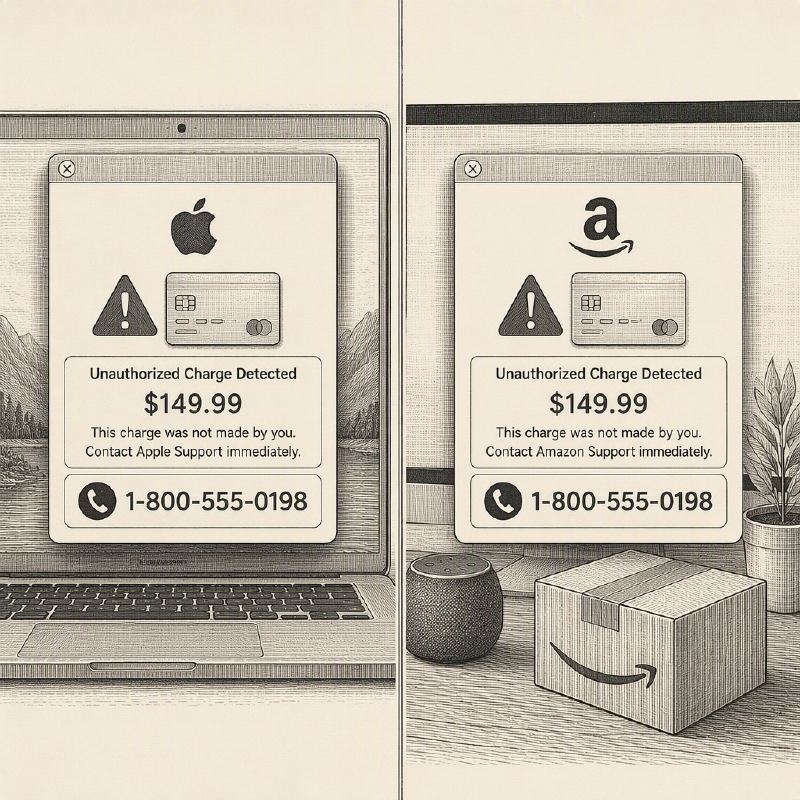
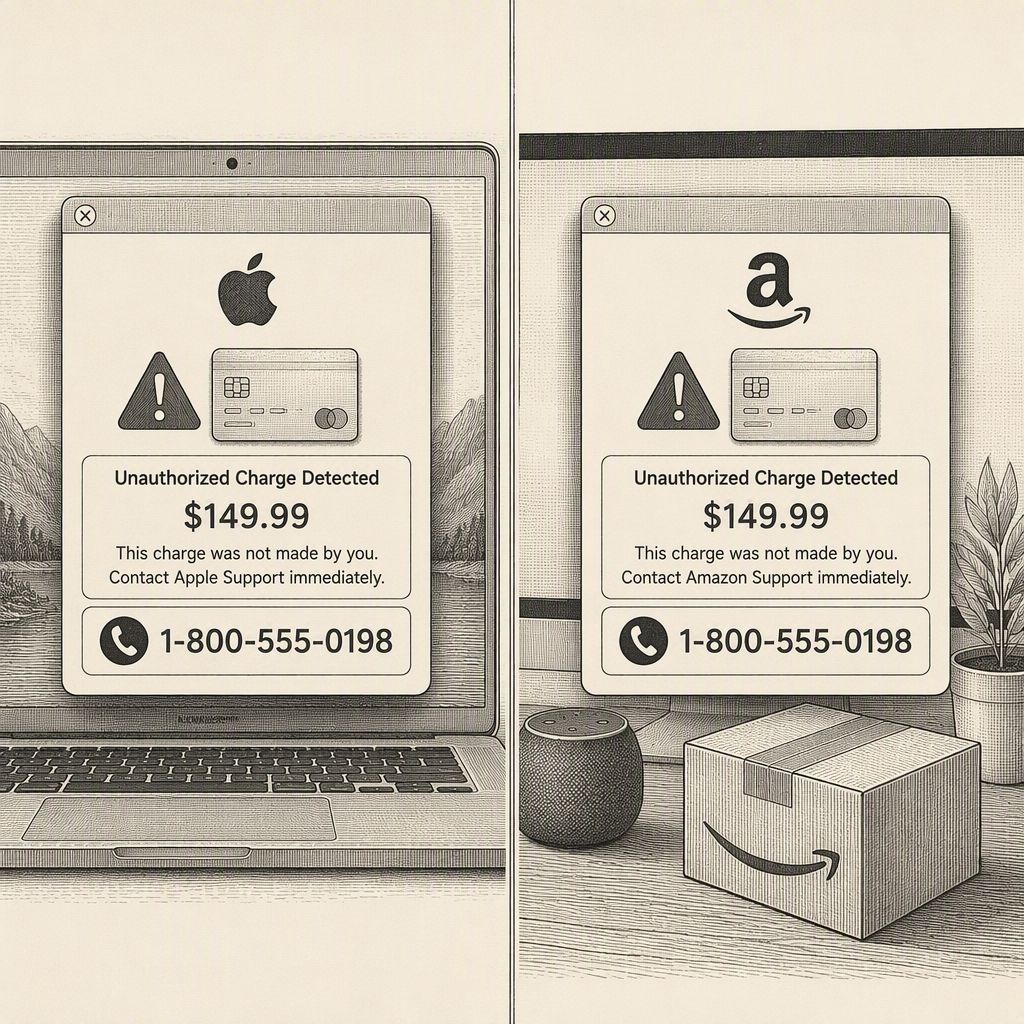
Cybercriminals are employing a sophisticated social engineering tactic that impersonates both Amazon and Apple support through deceptive full-screen pop-up messages. These alerts falsely claim an unauthorized purchase of $149.99 has been made on the user's account, urging immediate action via a provided phone number. The identical nature of these pop-ups, despite the different branding, reveals a common scam operation.
Analysis of the pop-up messages shows a consistent structure: a prominent warning icon, a claim of a $149.99 "pre-authorization" charge, and a single phone number to contact. This phone number is the same across both the fake Apple and Amazon alerts, serving as a critical tell-tale sign. Security researchers advise using tools like Malwarebytes Scam Number Check to identify these fraudulent lines, which are often linked to complaints about multiple unrelated companies.
The psychological elements within these pop-ups are carefully crafted to elicit a panicked response. The $149.99 amount is chosen to be alarming yet plausible, avoiding the immediate suspicion that a much larger or oddly specific sum might raise. Jargon like "Pre-Authorization" is used to lend a veneer of technical legitimacy, mimicking real payment processing terms. Manufactured urgency, through phrases such as "Call immediately" or "Immediate Action Required," is designed to bypass critical thinking and prompt immediate dialing.
Visually, the pop-ups borrow the authority of legitimate security alerts. They feature red warning triangles, brand-appropriate fonts and layouts, and crucially, a full-screen modal that obstructs the rest of the webpage. This blocking mechanism prevents users from easily navigating away or verifying the alert through other means, forcing a single, frictionless call to action: picking up the phone.
Upon calling the provided number, victims are connected to live scammers posing as support agents. Their objective is to gain remote access to the victim's device, trick them into "verifying" their identity in a way that compromises account or payment details, or coerce them into paying a fake fee, often through untraceable methods like gift cards or wire transfers.
Several key indicators can help users identify these scams. Legitimate companies like Apple and Amazon typically notify users about account activity via email, in-app notifications, or account activity logs, not through unsolicited browser pop-ups. Furthermore, no reputable company directs users to call a specific hotline to dispute a charge; such actions are handled through official account dashboards, banks, or card issuers.
Users should also scrutinize the source of the pop-up. These often appear on malicious ad networks or compromised websites, with the underlying page potentially being spoofed. A pop-up that is difficult to close is another significant red flag. If unsure, the safest course of action is to close the browser tab entirely (using task manager if necessary) and navigate directly to the company's official website or call a verified customer service number found on official documentation or the back of a payment card.
Ultimately, the brand impersonated is secondary to the scam's underlying pattern: an unexpected, full-screen alert demanding urgent action via a phone number. Recognizing this pattern—the specific dollar amount, urgent language, and the call to action—is crucial for avoiding falling victim, regardless of which company's logo is displayed.