
Safari History Database Tags Offer New Forensic Clues on macOS
A previously undocumented feature in Safari's macOS history database can automatically generate topic tags for visited websites, providing digital forensic investigators with new insights into user browsing patterns.
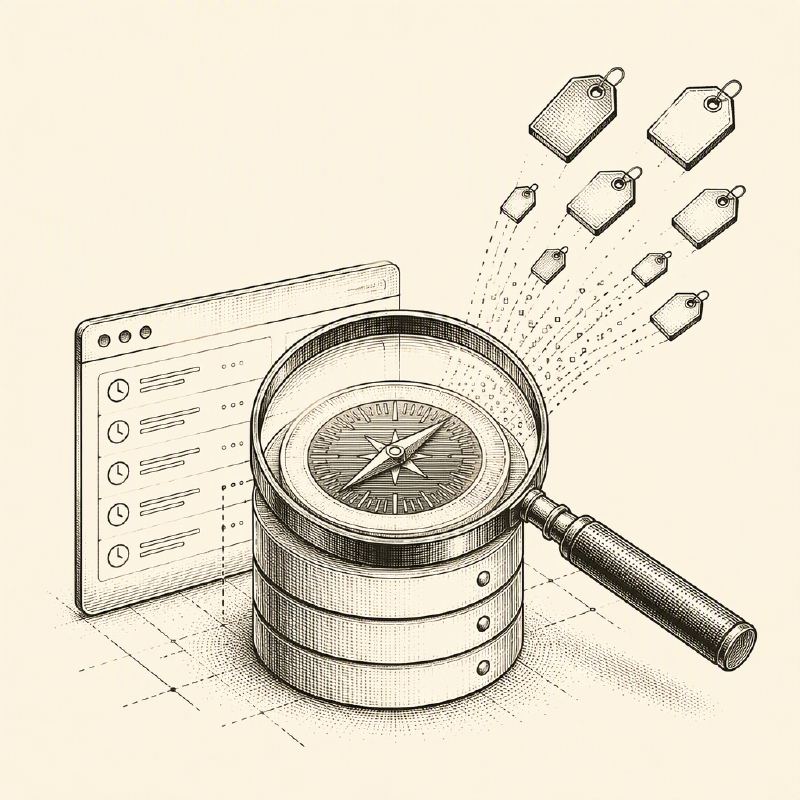
Digital forensic investigators now have an additional avenue to reconstruct user browsing activity on macOS, thanks to a little-known feature within Safari's history database. This capability allows Safari to automatically generate topic tags for certain webpages, potentially revealing the general subjects or entities a user explored, even when direct browsing records are incomplete or have been purged.
The artifact resides within Safari's primary SQLite history database, typically located at ~/Library/Safari/History.db. This database is already a critical source of evidence, meticulously recording visited URLs, webpage titles, timestamps, redirect chains, and visit counts. While the history_items and history_visits tables are commonly examined, two less-utilized tables, history_tags and history_items_to_tags, offer a new layer of contextual information.
Safari appears to assign a concise, descriptive tag to a subset of processed webpages. The exact criteria and logic for tag generation remain unclear, and not all visited pages are tagged. However, available evidence suggests these tags often represent a general subject or entity associated with the page, rather than a precise summary of its content. The history_tags table stores the metadata for these tags, including the human-readable tag title, a unique identifier, modification timestamps, and an item count. Notably, some tag identifiers may begin with 'Q,' indicating a potential link to a Wikidata entity, which could represent a technology, organization, location, or broader concept.
The history_items_to_tags table acts as a crucial link, connecting individual browsing history records (history items) to their corresponding tags. This allows investigators to associate an inferred topic with a specific URL visited by the user. The item_count field in the history_tags table is updated via database triggers whenever a tag relationship is established or removed, making it a useful indicator of how frequently a tag has been applied.
Forensic analysts can leverage SQL queries to join visit records, URLs, tag titles, tag identifiers, and tag modification times. It's important to note that Safari's timestamps use Apple's Cocoa epoch, which began on January 1, 2001. Analysts must add 978,307,200 seconds to convert these timestamps to standard Unix time.
The value of these tags is primarily contextual. Investigators should exercise caution, as a tag might relate to an incidental element on a page rather than its primary subject. For instance, a phishing site impersonating the Homebrew package manager might receive an 'APT' tag due to Safari's association with Advanced Package Tool, not because the page is directly related to advanced persistent threats. Therefore, these tags should not be treated as definitive proof of user intent.
Instead, digital forensic and incident response (DFIR) teams should correlate these tags with other forensic artifacts, such as URLs, visit titles, downloaded files, browser cache data, DNS records, and endpoint telemetry. Even older tag entries with an item_count of zero could be significant, as they might persist after their associated history relationships have been deleted.
Tools like the open-source macOS and iOS forensic framework mac_apt are beginning to incorporate parsing for these Safari artifacts, making the tag data more accessible during investigations. While Safari tags are not a standalone smoking gun, they can significantly aid DFIR teams in identifying browsing patterns, investigating potential phishing activity, and constructing a more comprehensive timeline of a macOS user's web interactions.