
Router DNS Tweak Offers Free Network-Wide Protection Against Malware and Phishing
A simple change to a home router's DNS settings can provide a free, network-wide layer of defense against malware and phishing attacks.
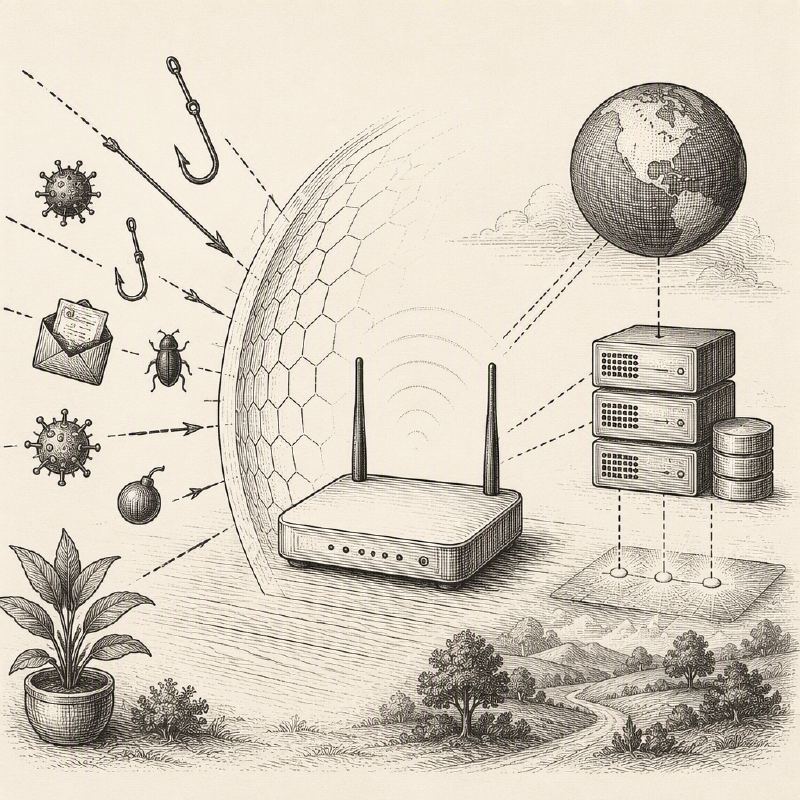
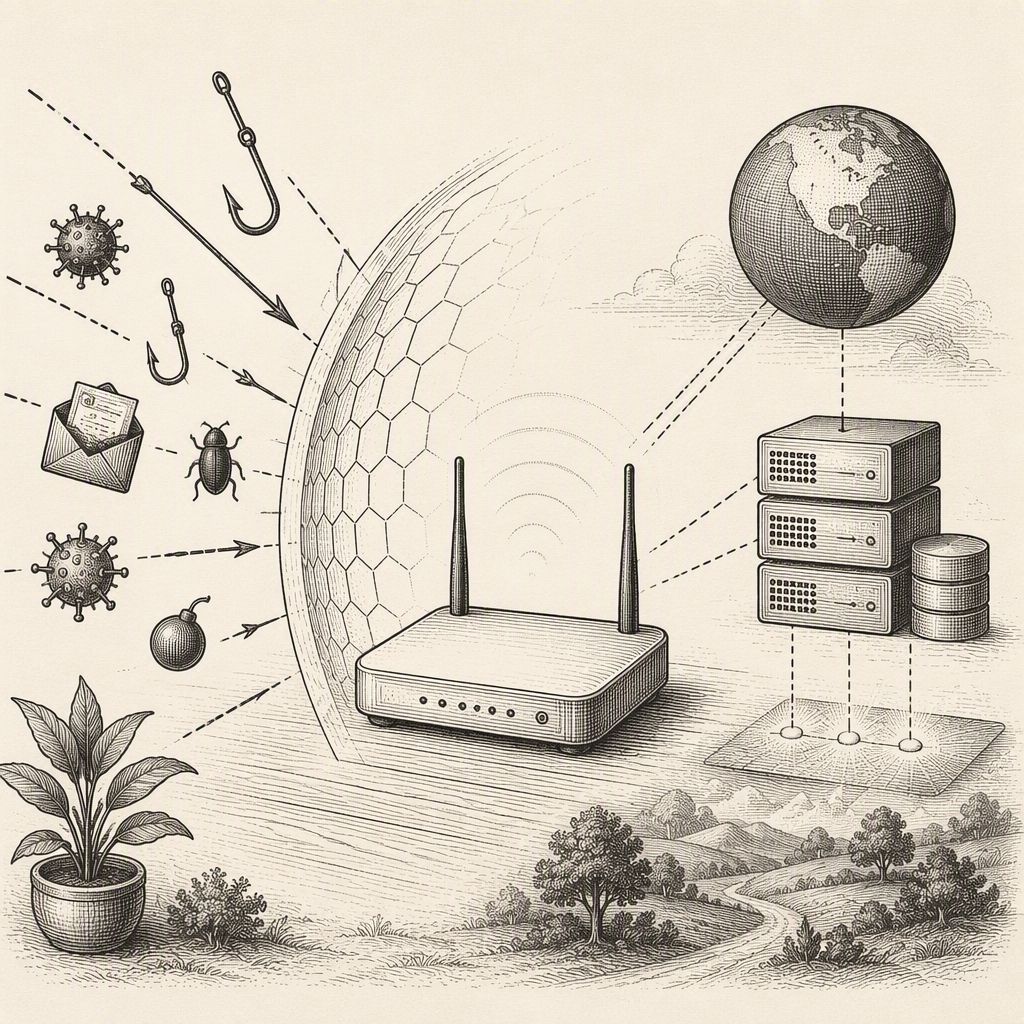
A straightforward router configuration change is emerging as a practical, free method to bolster home network security against common online threats. By updating the Domain Name System (DNS) resolvers on a router to Cloudflare's specialized addresses—1.1.1.2 for malware and phishing blocking, and 1.0.0.2 as a secondary option—users can effectively prevent devices from connecting to known malicious websites.
This approach leverages the fundamental role of DNS, which acts as the internet's address book. When a device requests access to a website, its DNS resolver translates the human-readable domain name into the numerical IP address required for connection. Cloudflare's 1.1.1.1 for Families service, specifically the 1.1.1.2 resolver, intercepts these requests and checks them against a database of threat classifications. If a queried domain is identified as malicious, the resolver returns a null address (0.0.0.0), effectively blocking the connection before it can be established.
The primary advantage of this DNS tweak is its network-wide application. Unlike installing security software on individual devices, configuring the router once protects all connected devices, including smartphones, laptops, smart TVs, gaming consoles, and IoT devices. This makes it particularly valuable for households with multiple users and a diverse range of internet-connected equipment, offering a low-friction safeguard against a significant portion of web-based threats.
For families seeking additional content filtering, Cloudflare offers an alternative resolver pair: 1.1.1.3 and 1.0.0.3. This option blocks not only malware and phishing sites but also those categorized as adult content, providing a more comprehensive content control layer. The configuration process typically involves accessing the router's administrative interface, often found under sections like 'Internet,' 'WAN,' 'DHCP,' 'LAN,' or 'DNS settings,' though the exact location varies by manufacturer and ISP.
While this DNS filtering offers a valuable security enhancement, it is not a panacea. Its effectiveness is contingent on devices using the router's DNS resolver; devices configured with their own encrypted DNS settings, VPNs, mobile data, or hard-coded resolvers may bypass this protection. Furthermore, DNS filtering cannot disinfect already infected devices, detect all types of malicious files, prevent credential harvesting on legitimate but compromised services, or substitute for essential security practices like patching and multi-factor authentication.
Despite its limitations, the DNS tweak represents an accessible and cost-effective security improvement. It raises the barrier for common web-based attacks without requiring additional subscriptions or complex software installations. Cybersecurity experts emphasize that this method is most effective when integrated into a broader security strategy that includes strong, unique passwords managed by a password manager, timely software and firmware updates, robust endpoint protection, and user education on safe browsing habits.
Ultimately, for users seeking a simple yet impactful way to enhance their home network's resilience against phishing and malware, Cloudflare's filtered DNS service provides a sensible additional layer of defense. Understanding its boundaries and complementing it with other security best practices ensures a more robust and secure online experience for all connected devices.