
Recruitment Phishing Campaign Leverages Browser-in-the-Browser for Credential and MFA Theft
A global phishing campaign impersonating recruiters uses sophisticated Browser-in-the-Browser techniques to steal Google and Facebook credentials and relay MFA prompts.
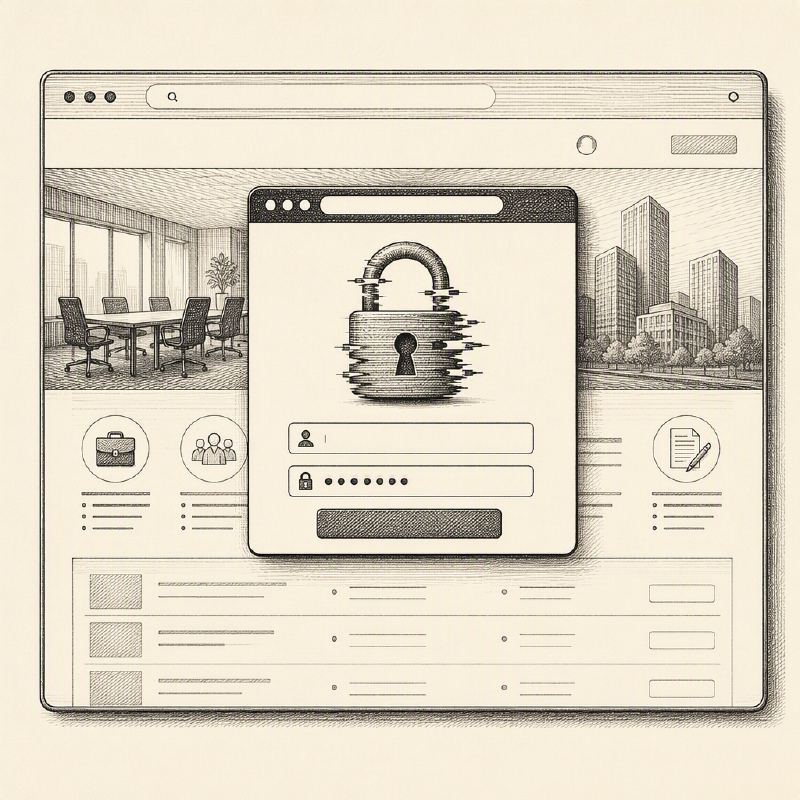
Cybersecurity researchers have uncovered a large-scale, global recruitment-themed phishing campaign that uses fake interview scheduling pages and Browser-in-the-Browser (BitB) windows to steal Google and Facebook credentials and, in more advanced cases, relay multi-factor authentication (MFA) prompts in real time. CTM360, which detailed the activity in a new report titled RecruitTrap, said it identified more than 3,000 phishing URLs over two months. The campaign impersonated real recruiters and recruitment processes associated with over 50 organizations across 14 sectors, with marketing professionals being the majority of observed targets.
The focus on marketing roles appears deliberate, as compromised marketing accounts can provide access to advertising platforms, corporate social media profiles, customer data, email, and other business-critical services. The attack begins with an unsolicited email or meeting invitation that appears to originate from a recruiter at a recognizable organization, referencing the recipient's professional background and inviting them to schedule an interview or informal discussion.
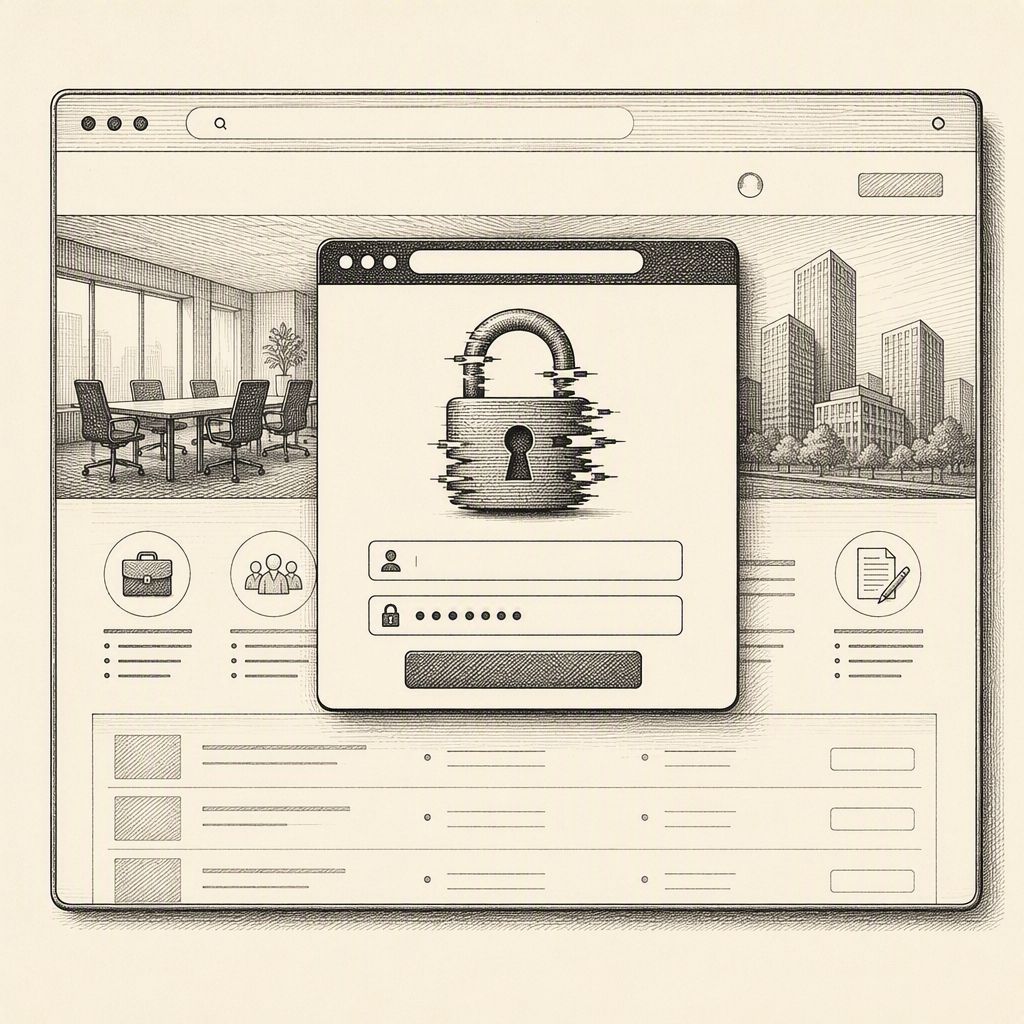
Victims are directed into one of two flows: a counterfeit Calendly-style scheduling page or a brand-specific recruitment portal. The first mimics an employer's branding, potentially reusing names, photographs, and job titles of real recruiters. The second asks the target to select a date and time and submit basic contact information. Both flows ultimately lead to a "Continue with Google/Facebook" prompt, where a Browser-in-the-Browser (BitB) technique displays a fake authentication popup with a spoofed address bar and padlock. On mobile devices, this may manifest as a full-screen counterfeit login page.
CTM360's technical analysis revealed that one Calendly-style phishing URL operated as a state machine rather than a static credential form. A Svelte/SvelteKit front end guided victims through staged scenes for CAPTCHA, username, password, and several two-factor authentication methods, including OTP, phone number matching, and suffix verification. A browser-specific session identifier was stored in sessionStorage, while a persistent Socket.IO channel allowed the backend to control the displayed screen. CAPTCHA and browser-reload checks filtered traffic before credentials were collected, and the page specifically filtered out personal email domains, prioritizing valuable enterprise identities.
After a victim entered their login details, attackers used them to sign into the real service. The fake page then presented the same MFA request, relaying the victim’s code back to the attackers. If authentication succeeded, the attacker obtained an authenticated session, while the victim might be redirected to a legitimate Calendly page to reduce suspicion. This live state machine approach allows for dynamic interaction and bypasses many static detection methods.
Most of the phishing pages discovered, approximately 96%, utilized a Calendly theme, with many employing Cloudflare to obscure the attackers’ true servers. The counterfeit brand-specific recruitment portals used 116 unique observed hosts, with a significant portion hosted on AWS EC2 IP addresses. Repeated hostnames and reused infrastructure indicate a shared setup for deploying multiple phishing sites. The most common top-level domains observed were .cfd, .com, and .info, with the campaign designed for rapid rebranding by simply altering employer names, recruiter identities, and other superficial details.
The campaign targeted industries including recruitment, technology, luxury goods, and travel. Users are advised to verify unsolicited interview invitations through independently sourced company channels and to navigate directly to official careers sites rather than using links in suspicious messages. Genuine Google sign-ins should always occur on verified Google domains. Indicators of a BitB attack include the address bar and padlock being part of the web page itself, the inability to move the fake window outside the current browser tab, and password managers failing to recognize the origin. Organizations can mitigate risks by implementing phishing-resistant authentication methods, monitoring for lookalike recruitment domains, and correlating suspicious emails with unusual sign-in attempts.
This "RecruitTrap" campaign exemplifies how familiar job opportunity lures can be transformed into scalable identity attacks. The fake browser window establishes a veneer of trust, while the sophisticated, live backend infrastructure enables credential theft, MFA relay, and ultimately, account takeover. The use of BitB and real-time MFA relay represents a significant evolution in phishing tactics, making it harder for both users and automated defenses to detect and block these attacks.
The RecruitTrap campaign, detailed by Infosecurity Magazine, expands on the tactics seen in the existing story by specifically leveraging mobile-optimized phishing pages. While the previous article highlighted the use of Browser-in-the-Browser techniques for credential and MFA theft, RecruitTrap focuses on luring victims through fake job application portals designed to harvest login details on mobile devices. This campaign's emphasis on mobile optimization suggests a targeted approach to exploit a growing user base that may be less vigilant on smaller screens.
This new report from Zimperium details how the browser-in-the-browser (BitB) technique is being adapted for mobile devices, where the lack of a visible browser window makes it easier to trick victims. The attackers are specifically targeting corporate credentials by filtering out personal email addresses, aiming to gain access to high-value enterprise accounts and sensitive data like OAuth tokens.