
New Tool Extracts Embedded Files from OneNote Documents
A new feature in the onedump.py tool allows for the extraction of embedded files from OneNote documents and their output as JSON, facilitating batch processing and analysis.
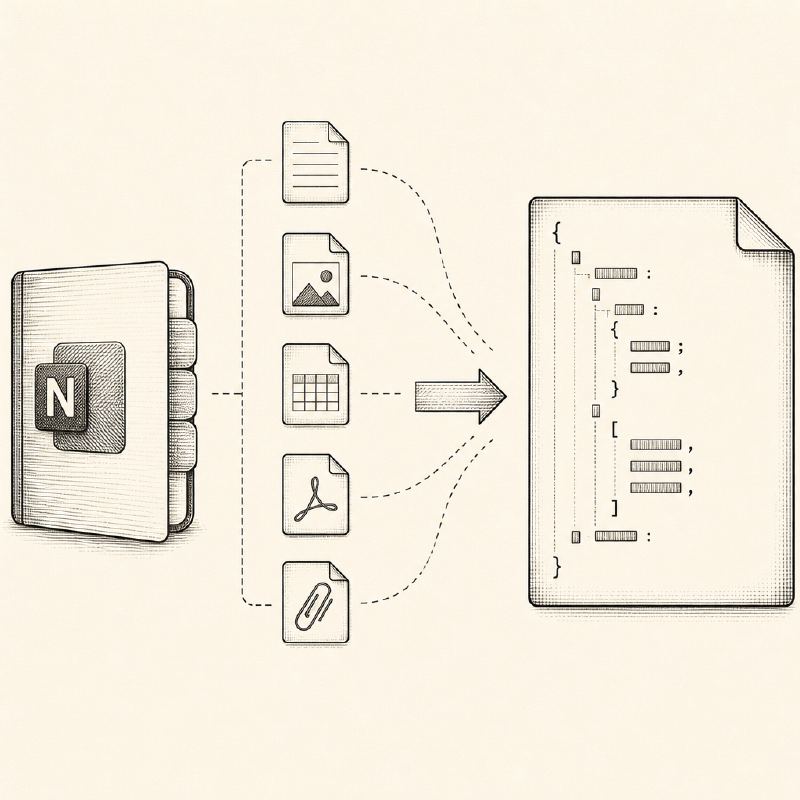
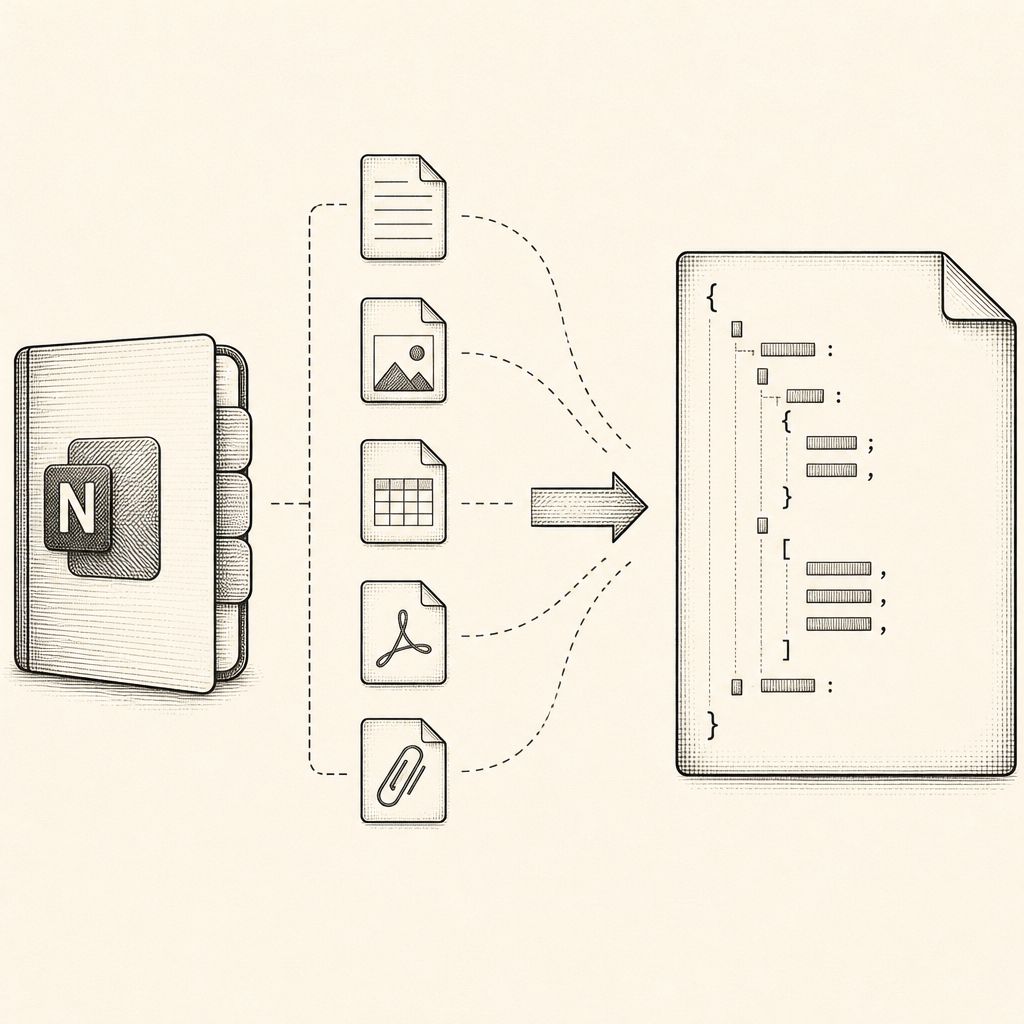
Security researchers and analysts often encounter OneNote files (.one) that contain embedded documents or malware. Extracting these embedded files is crucial for forensic analysis and threat hunting. Previously, tools like Didier Stevens' onedump.py could extract these files, but it required running the tool individually for each OneNote file, a process that could be time-consuming when dealing with a large number of documents.
To address this inefficiency, the onedump.py tool has been updated with a new feature that enables it to output the extracted embedded file content in JSON format. This enhancement allows the tool to process multiple .one files simultaneously, significantly streamlining the workflow for security professionals. The command onedump.py --jsonoutput *.one can now be used to process all OneNote files in a directory, generating a JSON output containing the data of each embedded file found.
Following the extraction and JSON formatting, the embedded files can be further processed and written to disk using another utility, myjson-filter.py. This tool, also developed by Stevens, can parse the JSON output from onedump.py and save the embedded file content. The files are named based on their SHA256 hash and appended with a .vir extension, a common practice for identifying potentially malicious files.
The command onedump.py --jsonoutput *.one | myjson-filter.py -W hashvir demonstrates this pipeline. It first extracts the embedded files from all .one files in the current directory, pipes the JSON output to myjson-filter.py, which then writes each extracted file to disk using its SHA256 hash as the filename and the .vir extension. This method ensures that even if multiple files have identical content, they will be represented by a single file on disk, and duplicate content is efficiently handled.
This development is particularly useful for incident responders and malware analysts who need to quickly triage and analyze potentially malicious documents embedded within OneNote files. The ability to batch process and automate the extraction and naming of these files reduces manual effort and speeds up the initial stages of an investigation.
The updated onedump.py tool, along with myjson-filter.py, provides a robust and efficient solution for handling embedded content within OneNote files, contributing to the broader toolkit available for digital forensics and malware analysis. The use of JSON output and hash-based naming aligns with modern security analysis practices that emphasize automation and data standardization.