
Microsoft Releases OneDrive Sync Client CLI for Enhanced Deployment Management
Microsoft has launched a new command-line tool, the OneDrive Sync Client CLI, empowering IT administrators with granular control and visibility over OneDrive sync deployments across enterprise environments.
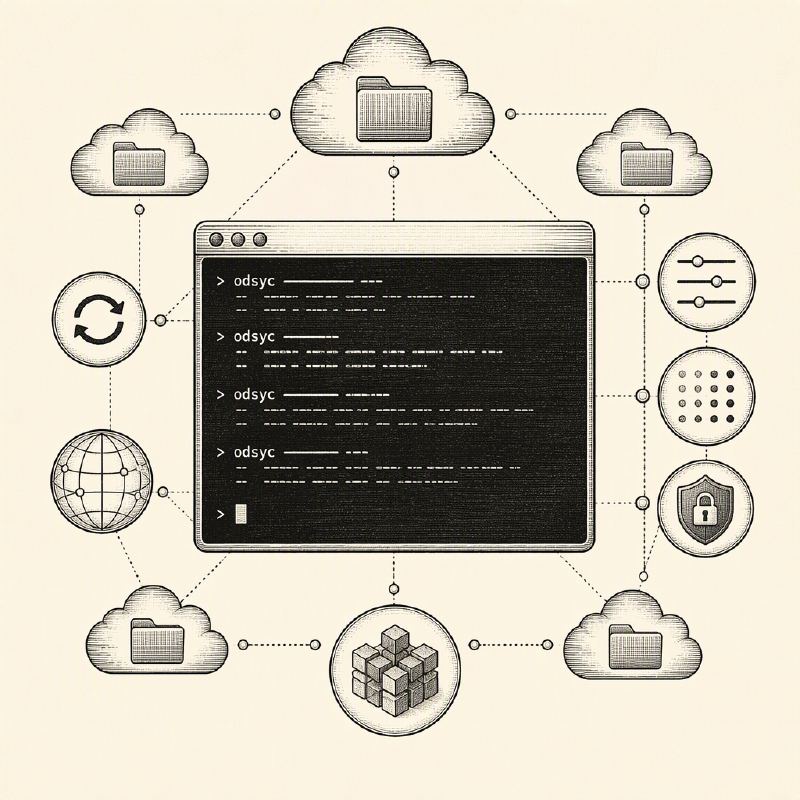
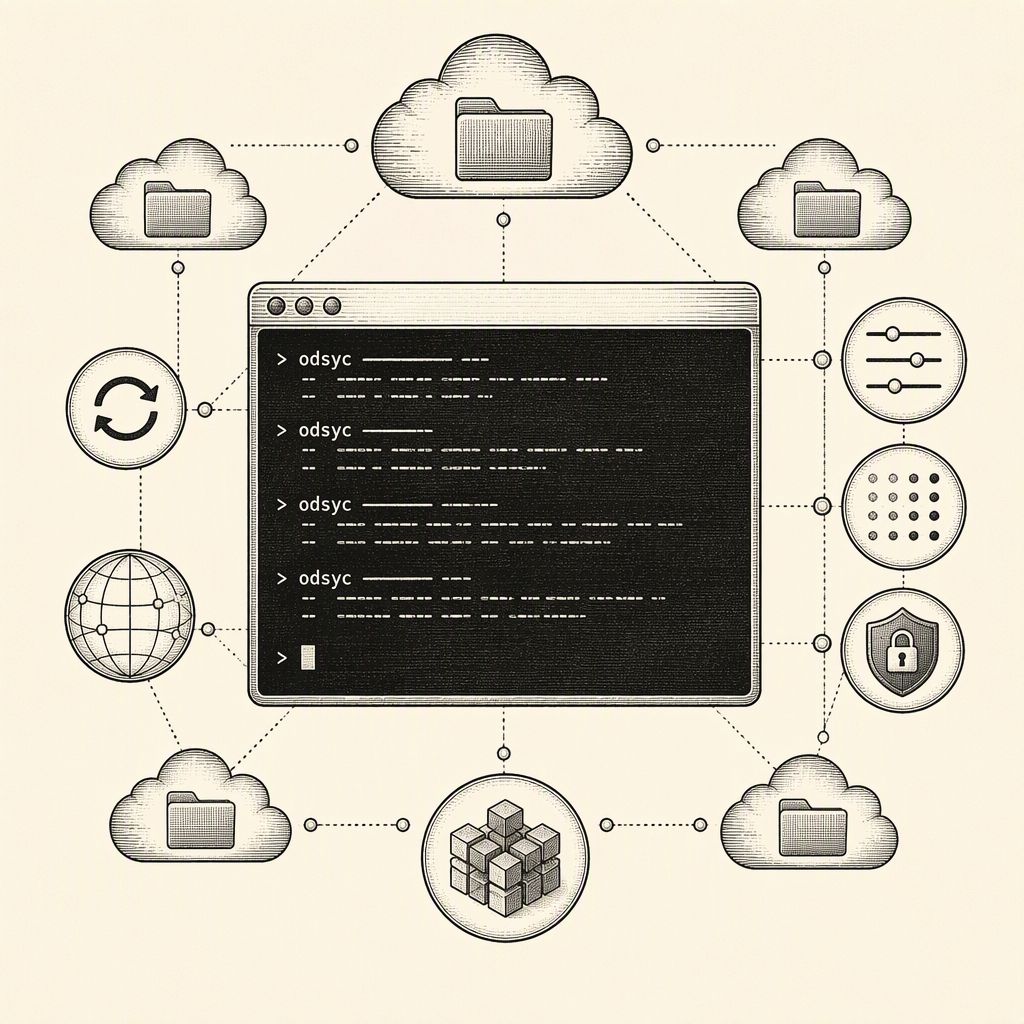
Microsoft has introduced a new command-line tool designed to streamline the management of OneDrive sync deployments for IT administrators. Dubbed the OneDrive Sync Client Command Line Interface (CLI), this tool was unveiled at the recent OneDrive + Copilot event and is specifically tailored for organizations managing extensive Microsoft 365 infrastructures.
The CLI operates via PowerShell, accessible through the simple 'odsyc' command. During a demonstration, Microsoft's Andrey Esipov showcased its capability to retrieve detailed device health information without requiring manual navigation through settings or log files. The tool can list all OneDrive accounts on a device, even those with multiple accounts, and can filter results for specific accounts. It also reports the versions of both the sync client and the CLI, indicates whether OneDrive is running, and details its installation method.
Key security-relevant features include the ability to display Folder Backup settings, specifying which folders are synchronized to the cloud. Crucially for security teams, the CLI provides insight into Group Policy settings applied to the sync client, enabling administrators to verify compliance with company policies. The tool offers an overall status report at the client, account, and Folder Backup levels, with an option for verbose output to aid in deeper troubleshooting when issues arise.
A significant advantage of the OneDrive Sync CLI is its ability to output data in JSON format. This feature is instrumental for integration with scripting languages, Microsoft Intune remediation tasks, and various reporting tools. The CLI is designed to function in both interactive and non-interactive modes, making it suitable for direct use by administrators, developers, automated scripts, and AI agents like the GitHub Copilot CLI.
This new tool addresses a common challenge in enterprise environments: the lack of visibility into OneDrive sync configurations. Misconfigurations can lead to sensitive data being stored outside approved locations or synchronized to unauthorized destinations, creating significant data leak risks. Historically, such checks often required custom scripts or third-party utilities.
Furthermore, the OneDrive sync client itself has been a target for threat actors. Past incidents have seen attackers exploit vulnerabilities like DLL sideloading through OneDrive.exe. Enhanced visibility provided by the CLI can help defenders identify and rectify weak configurations before they are exploited, thereby mitigating potential security incidents.
The OneDrive Sync CLI is not yet generally available, with Microsoft indicating it will soon enter private preview. A public release date, supported platforms, and a comprehensive command list have not yet been announced. Current indications suggest the tool primarily focuses on reporting device state rather than modifying settings.
Organizations looking to prepare for the CLI's release can review Microsoft's guidance on planning file sync for SharePoint and OneDrive and monitor official OneDrive sync release notes for further updates. The introduction of this CLI represents a proactive step by Microsoft to enhance security posture and operational efficiency for its cloud storage services.