
Microsoft Graph PowerShell Cmdlets Enhance Risk Detection for Azure AD Sign-ins
New PowerShell scripts utilizing Microsoft Graph cmdlets offer administrators detailed insights into risky Azure AD sign-in events, focusing on impossible travel and unfamiliar device or network activity.
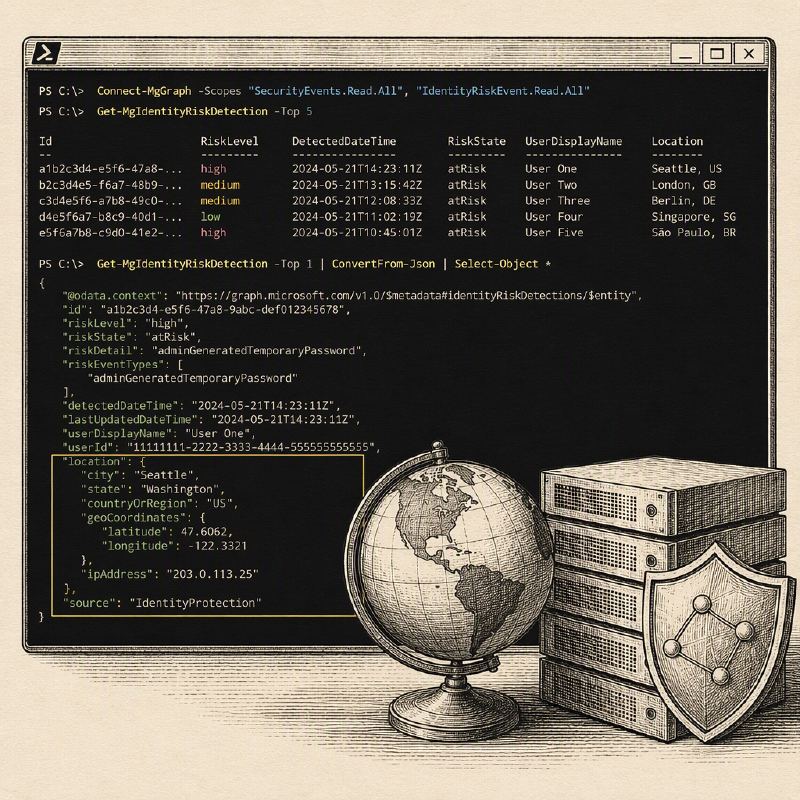
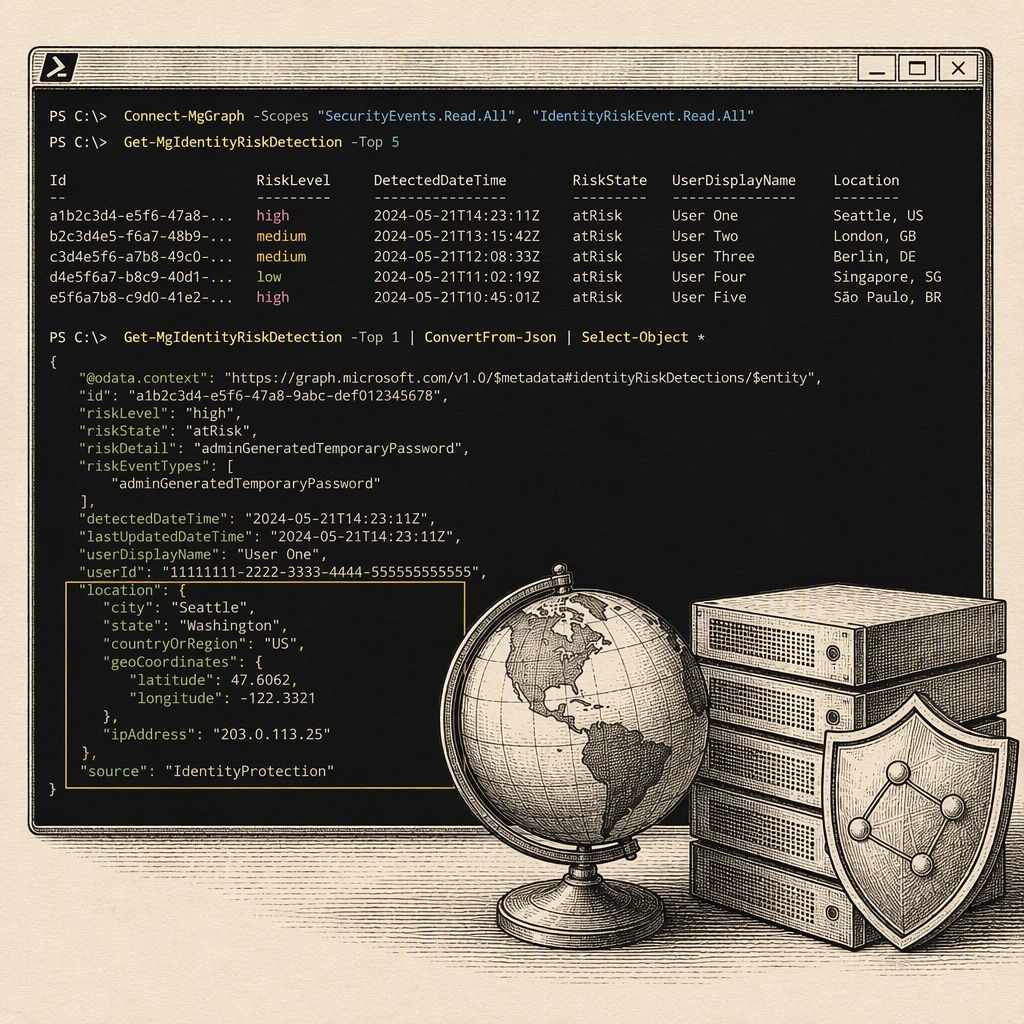
Security administrators can now leverage Microsoft Graph PowerShell cmdlets to gain deeper visibility into risky sign-in events within Azure Active Directory (Azure AD). The SANS Internet Storm Center highlights the utility of the Get-MgRiskDetection command, which is available even with a basic Entra ID license, to identify and analyze suspicious login activities. These activities are typically categorized as either impossible geography, where a login originates from an unexpected IP address, subnet, ASN, or country, or as an unusual device, indicating a login from an unrecognized machine.
While more advanced features for managing persistent user risks require a higher-tier license, the Get-MgRiskDetection command provides substantial value for basic risk assessment. The article details the process of connecting to Microsoft Graph with the necessary Identity Protection scopes, specifically IdentityRiskyUser.Read.All and IdentityRiskEvent.Read.All. It then demonstrates how to retrieve all risk detections using $riskylogins = Get-MgRiskDetection -all.
To refine the analysis, administrators can filter out events that have already been remediated or dismissed by using parameters like -Filter "riskState ne 'dismissed' and riskState ne 'remediated'". This allows for a more focused examination of active or unresolved security concerns. The output of Get-MgRiskDetection includes an additionalInfo field, which is crucial for understanding the specifics of each risk.
This additionalInfo field is formatted in JSON, containing a wealth of detail that often exceeds a simple summary. By parsing this JSON, administrators can extract specific risk reasons, such as UnfamiliarDevice, UnfamiliarEASId, or UnfamiliarTenantIPsubnet. The article provides practical PowerShell code snippets to convert this JSON data and extract the relevant risk reasons, enabling a more granular understanding of the threats.
Furthermore, the Get-MgRiskDetection output includes a location object that provides geographical details like city, state, and country. This information can be directly queried to identify the origin of risky sign-ins. The article demonstrates how to incorporate these location details into custom PowerShell reports, alongside the extracted risk reasons, creating a comprehensive view for security analysts.
These capabilities empower security teams to proactively identify and respond to potential account compromises. By analyzing the patterns of risky sign-ins, organizations can better tune their security policies, investigate suspicious activities, and protect their Azure AD environments from unauthorized access. The ability to parse detailed risk information directly through PowerShell streamlines the security auditing process.
The article emphasizes that these tools are not just for passive observation but can actively aid in discovering security events that might otherwise go unnoticed. The detailed parsing of additionalInfo and location data allows for a much deeper dive into the context of each detected risk, facilitating more informed and effective security responses.
This SANS ISC diary provides practical, hands-on guidance for analyzing Microsoft Entra ID sign-in logs using PowerShell. It details specific commands to filter for failed logins, extract geolocation data, and identify successful logins from unexpected countries, directly enabling the detection of password spray attacks and other suspicious activities. The author successfully used these methods to help a client tighten their Conditional Access policies, demonstrating the immediate value of proactive log analysis.