
Microsoft Excel Update KB5002914 Breaks Copy and Paste Functionality
Microsoft has confirmed that its September 2026 security update for Excel, KB5002914, is causing copy and paste operations to fail silently across multiple versions, impacting productivity.

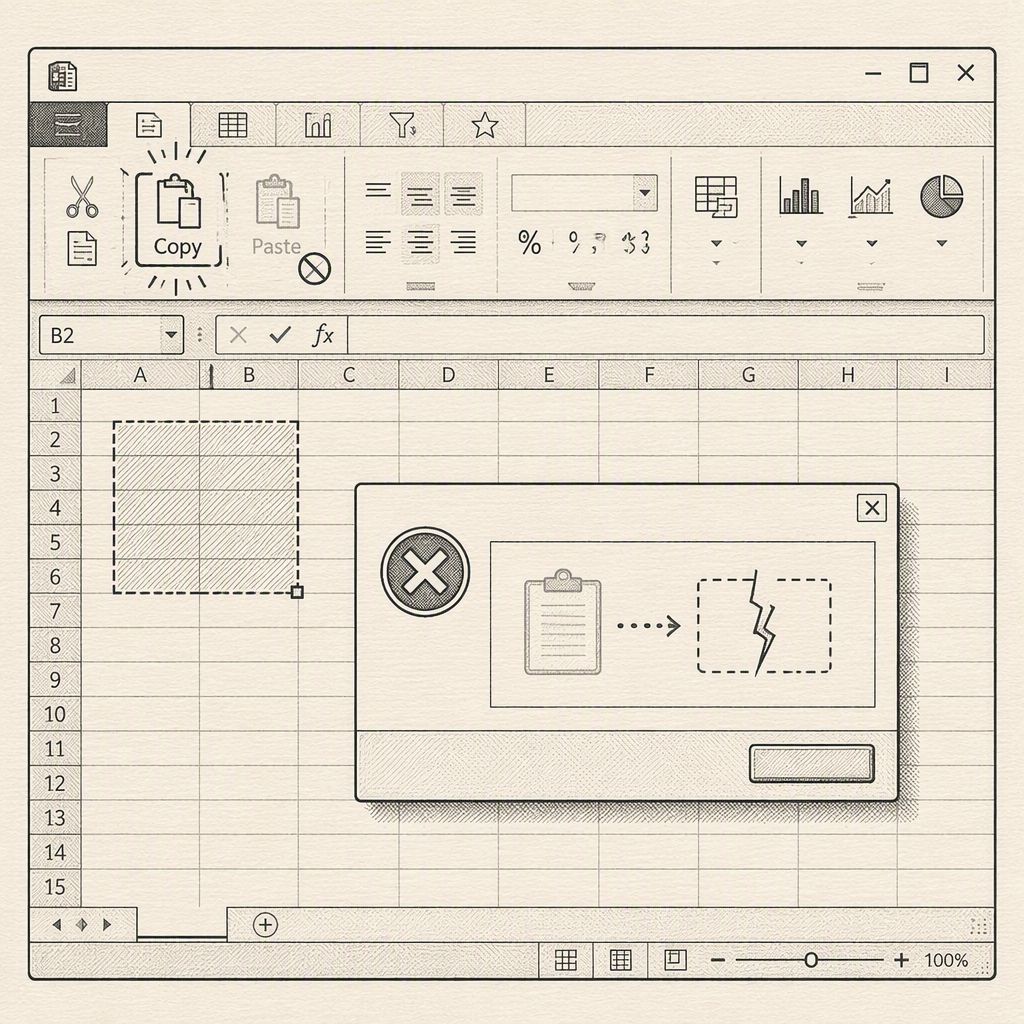
Microsoft has officially acknowledged a critical flaw introduced by its September 8, 2026, security update for Excel, identified as KB5002914. This update, intended to patch significant vulnerabilities, has inadvertently broken the fundamental copy and paste functionality in Excel versions 2016, 2019, 2021, and 2024. The issue was added to the update's known issues list after numerous users reported that paste, autofill, and formula dragging operations were failing without any error messages.
The malfunction is particularly insidious because it occurs silently. Users copy a cell or a range of data, attempt to paste it elsewhere, but the original selection remains active, and the destination remains unchanged. Crucially, there is no audible alert or on-screen error to indicate that the paste operation has failed. This lack of feedback can easily lead users, especially those in finance and operations, to believe that data has been successfully transferred when, in reality, their spreadsheets remain empty in the target locations. This makes the bug difficult to detect during routine spreadsheet work.
Reports of this behavior began surfacing on platforms like Reddit and Microsoft's Q&A forums shortly after the September 9th update wave. Users described identical issues with broken drag-fill functionality, with some teams discovering the problem only after their systems were fully patched. A simple test of typing a few values, copying them, and pasting them nearby is sufficient to confirm the bug's presence.
KB5002914 is classified as a security release for Excel 2016, addressing critical vulnerabilities such as remote code execution and information disclosure, linked to CVEs including CVE-2026-81399, CVE-2026-81390, and CVE-2026-81954. While the public knowledge base entry specifically mentions Excel 2016, Microsoft's own known-issue note lists affected versions as Excel 2024, 2021, 2019, and 2016. Furthermore, field reports indicate that both MSI and Click-to-Run installations, as well as Office LTSC Standard 2021, are experiencing this problem, suggesting a broader servicing issue within Microsoft Office for September rather than a localized problem with a single Excel 2016 MSI package.
Microsoft has stated that it is actively researching the issue and will provide further information as it becomes available, as detailed in a dedicated support advisory. As of September 15, 2026, no specific date for a hotfix has been announced. This situation leaves administrators in a difficult position, balancing the need for security patches against the immediate requirement for core spreadsheet functionality.
Until an official fix is released, the primary workaround involves uninstalling or rolling back KB5002914. For customers using MSI installations, removal of the update restores paste functionality. Those using Click-to-Run editions have resorted to using XML configurations or Group Policy to revert to an older Office build. However, both methods mean sacrificing the security fixes included in the September update. Attempting to manually replace the updated excel.exe with an older binary is an unsupported method that can lead to unstable systems with mixed file versions, potentially introducing new security and stability risks.
Organizations that must restore Excel's copy-paste functionality are advised to meticulously document this workaround, treat any untrusted workbooks with extreme caution due to the potential security gaps, and closely monitor Microsoft's KB5002914 advisory for an out-of-band fix. The incident highlights the critical importance of thorough testing for all updates, especially those addressing security vulnerabilities, to prevent unintended disruptions to essential business operations.