
Microsoft August 2026 Updates Cause Game Crashes on Systems with RGB Lighting
Microsoft is investigating an issue where its August 2026 Windows 11 updates are causing games to crash or PCs to restart, specifically on systems utilizing RGB lighting hardware.
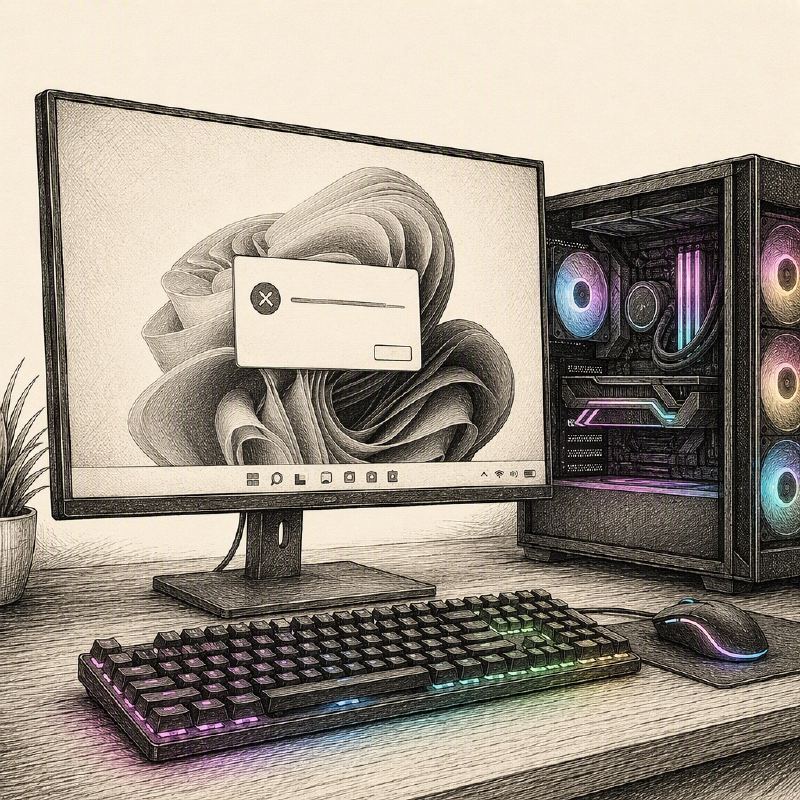
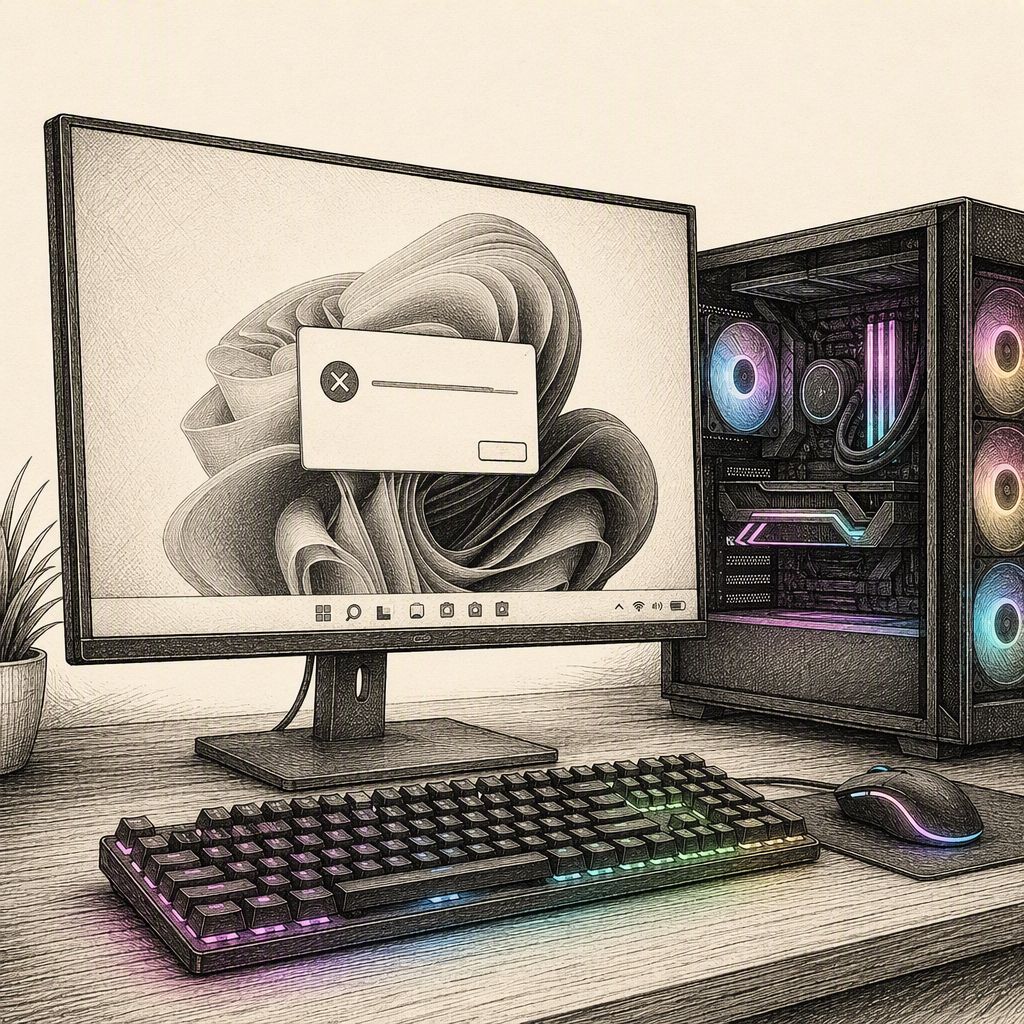
Microsoft is actively investigating a widespread issue affecting Windows 11 users following the deployment of its August 2026 security updates. The problem, detailed in the Windows Release Health dashboard, manifests as games freezing, crashing, displaying access-violation errors, or even causing complete system restarts. This disruptive behavior appears to be linked to the presence of RGB lighting hardware and associated software that utilizes a specific driver known as inpoutx64.
The problematic update, identified as KB5073903 for Windows 11 versions 24H2 and 25H2, was released on August 11, 2026. Reports of the issue began surfacing shortly after, prompting Microsoft to acknowledge and begin investigating the matter by August 19. As of August 21, the investigation is ongoing, with the company working to pinpoint the exact cause.
According to Microsoft's advisory, devices are susceptible if they feature RGB-enabled peripherals or internal components, such as lighting controllers, keyboards, mice, fans, or motherboard accessories. Some of these products install low-level drivers, including those that resemble or are named inpoutx64. When this driver is active, launching certain games can trigger the fault, leading to the observed instability. User reports specifically mention games like ARC Raiders, MARVEL Tōkon: Fighting Souls, and THE FINALS as being affected.
While Microsoft has not definitively attributed the root cause to Windows itself, the RGB driver ecosystem, the affected games, or a combination thereof, they are exploring the interaction between RGB components and game execution. The company is collaborating with relevant parties to understand the complex interplay that leads to these crashes.
As a temporary mitigation, Microsoft has provided a workaround involving the Windows Registry. Affected users can disable the inpoutx64 driver by backing up their Registry, navigating to HKEY_LOCAL_MACHINE\SYSTEM\CurrentControlSet\Services\inpoutx64, and changing the Start value data to 4. This change requires a system restart to take effect. However, this workaround may disrupt or disable RGB lighting functions and their management applications.
Users who implement this registry change can revert the driver's functionality by restoring the Start value to its original setting. Microsoft advises administrators to thoroughly test this workaround on non-critical systems before deploying it broadly, particularly on systems that rely heavily on vendor-specific lighting or hardware management software.
The issue is confirmed to affect Windows 11 client versions 24H2 and 25H2. Microsoft has stated that Windows Server platforms are not listed as impacted by this particular problem. Additionally, the company reminded users that Windows 11 version 24H2 Home and Pro editions are scheduled to reach their end of servicing on October 13, 2026, after which they will no longer receive security updates or support.
Users experiencing these RGB-related game issues are encouraged to submit diagnostic data through the Windows Feedback Hub by pressing Windows key + F. This information will aid Microsoft in their ongoing investigation to develop a permanent fix.