
Microsoft 365 Bug Caused Blank White Screen, Blocking Access to Office Apps
A bug in Microsoft 365 for Windows caused a blank white dialog box to appear, preventing users from opening Word, Excel, and Outlook until a fix was released.
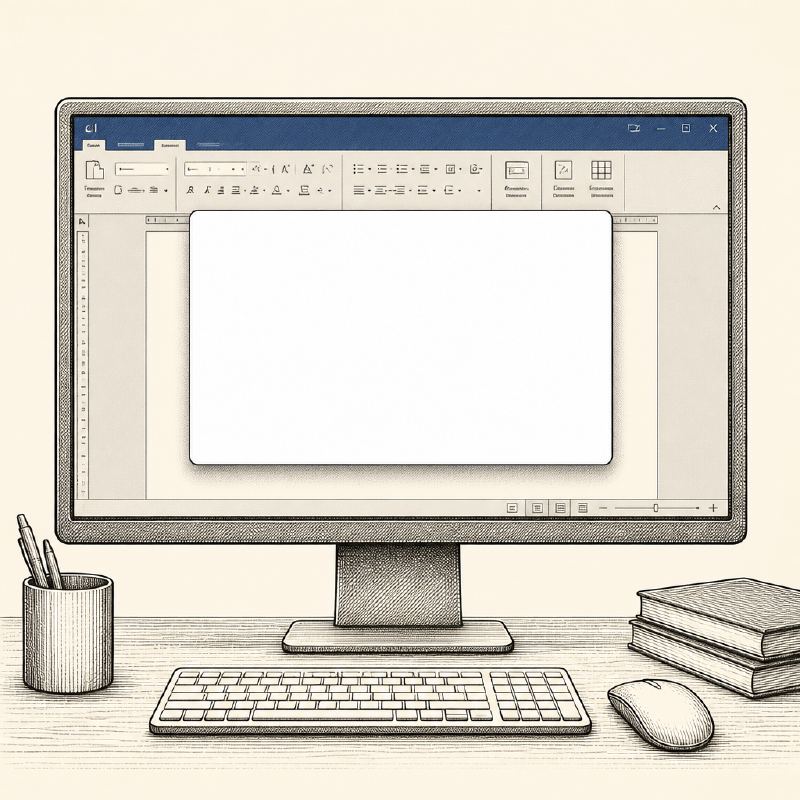
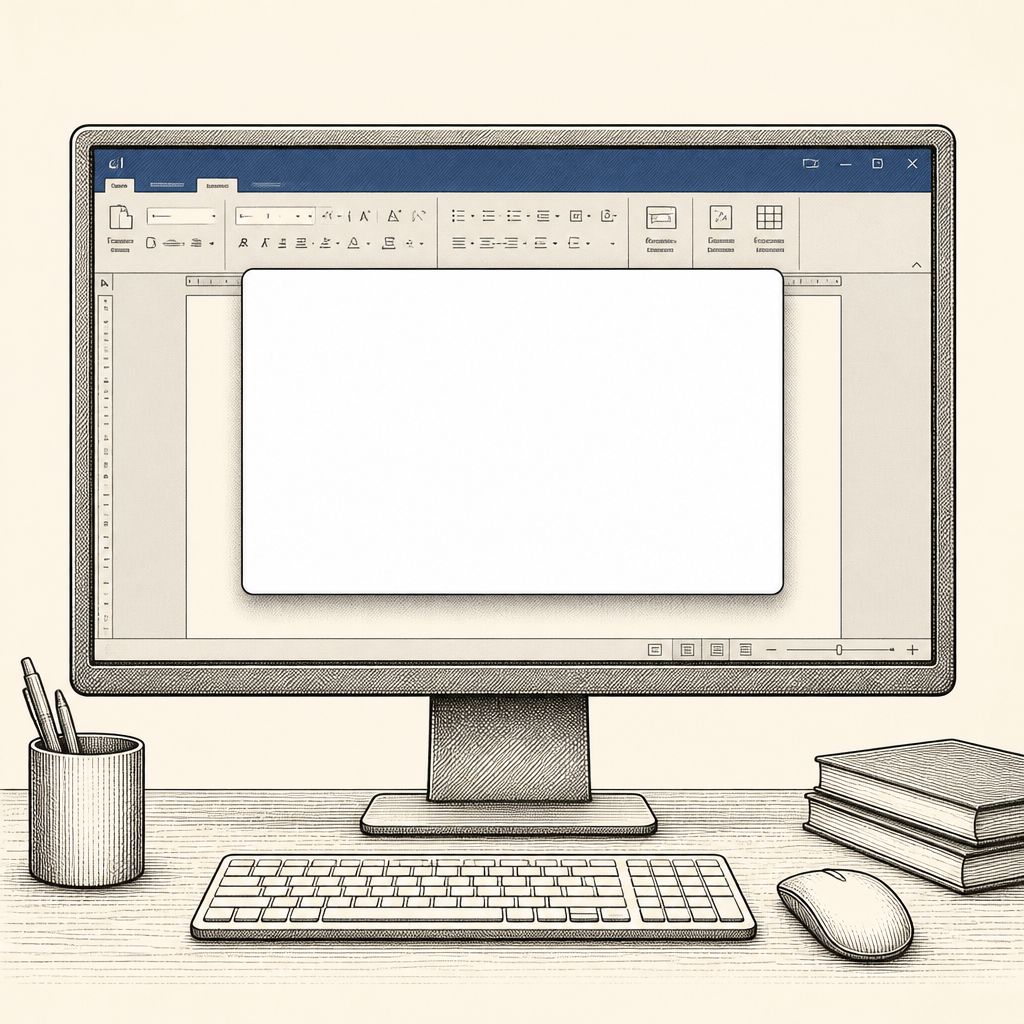
Microsoft has resolved a frustrating issue affecting its Microsoft 365 applications on Windows, where a persistent blank white dialog box would appear, rendering Word, Excel, and Outlook unusable. This unexpected window, devoid of any text or interactive elements, blocked users from accessing the underlying application, leaving them unable to work.
The problem, identified by Microsoft in a support notice on November 23, 2026, has been addressed in Version 2611, Build 16.0.20625.20142. While Microsoft did not disclose the root cause of the dialog's appearance, the affected builds, or the scale of the impact, users reported encountering the issue across multiple Office applications, including PowerPoint, Access, and OneNote, in addition to the primary trio.
This particular bug is distinct from broader Microsoft 365 outages that have previously affected services like Exchange Online and Teams. The white screen issue was localized to the desktop application startup process, rather than a cloud service disruption. This distinction is crucial, as it meant the problem was confined to the user's installed Office suite rather than a wider service availability problem.
For users whose Office applications still launch partially, Microsoft recommends updating through the standard in-app mechanism. This involves opening any accessible Office app, navigating to File > Account > Update Options, and selecting 'Update Now.' For users with classic Outlook, the path is File > Office Account > Update Options > Update Now. If the 'Update Now' option is not visible, users may need to select 'Enable Updates' first.
However, for those completely blocked by the blank white window, Microsoft provides a command-line workaround. Users are instructed to close all Office applications, open Command Prompt as an administrator, and execute a specific command to trigger the Office Click-to-Run updater. The command directs the updater to install the specific fixed build: cmd "%programfiles%\Common Files\Microsoft Shared\ClickToRun\officec2rclient.exe" /update user updatetoversion=16.0.20625.20142.
After the update process completes, users are advised to reopen the affected application and verify the installation by checking the version and build number under File > Account. This ensures the fix has been successfully applied and that applications like Word, Excel, and Outlook are now functioning correctly.
It is important to note that this fix specifically addresses the blank white dialog box issue. Problems related to other functionalities, such as Outlook attachment uploads, are separate issues that may require different troubleshooting steps or updates. Microsoft continues to monitor and address various issues impacting its productivity suite to ensure a stable user experience.