
Hijacked Bitly Links Redirected Old Brand Posts to Unrelated Content
Attackers exploited a flaw in Bitly's handling of expired links to hijack old, legitimate posts from brands like McDonald's and Burger King, redirecting users to unrelated or potentially malicious pages.
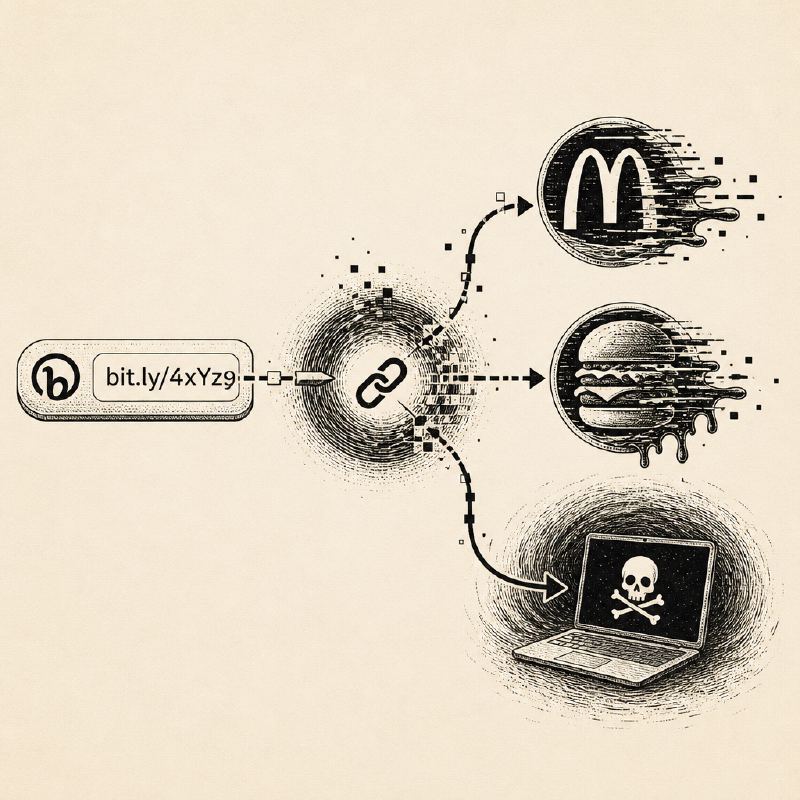
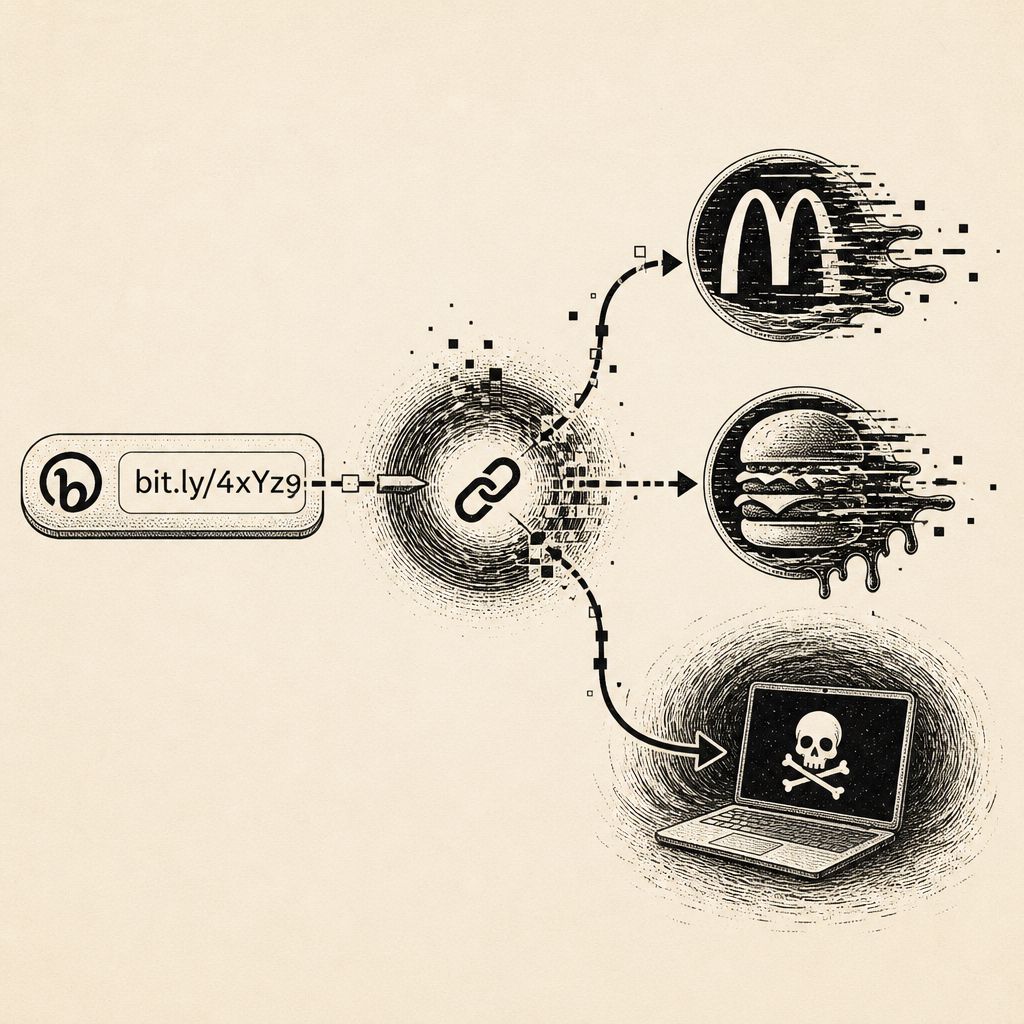
Cybercriminals have found a new avenue to spread misinformation and potentially malicious content by exploiting a vulnerability in the popular URL shortening service, Bitly. The attackers targeted expired Bitly links that were embedded in older, legitimate social media posts from well-known brands, including McDonald's and Burger King. By manipulating these old links, they were able to redirect unsuspecting users to entirely different, often unrelated, web pages.
This tactic bypasses the need to compromise the brands' social media accounts or edit their original posts. Instead, the attackers simply changed the destination URL associated with the existing short link. This meant that clicking on a seemingly innocuous post from years ago could suddenly lead users to offensive content or, more concerningly, phishing sites or malware downloads. One documented instance involved a 2011 McDonald's tweet that, when its Bitly link was hijacked, redirected users to Wikipedia's page on the September 11 attacks.
Bitly has acknowledged the issue, describing it as a flaw related to expired links. In response, the company has suspended the accounts responsible for the malicious activity and has begun disabling the affected links. While the immediate redirects observed were to Wikipedia pages, the potential for this vulnerability to be used for more harmful purposes, such as distributing malware or facilitating phishing attacks, remains a significant concern.
The incident underscores the inherent risks associated with URL shorteners. While convenient for sharing, they obscure the final destination of a link, making it difficult for users to verify the legitimacy of a URL at a glance. This lack of transparency can be exploited by attackers who can change the target of a shortened link without altering the original post, creating a deceptive user experience.
To mitigate such risks, users are advised to exercise caution when clicking on shortened links, even if they originate from trusted sources. Hovering over a link on a desktop can sometimes reveal the underlying URL, but this is not always effective with shortened links. Services like Malwarebytes' Scam Link Check can be used to scan a link's destination and its redirects without actually visiting the site.
Users should also be wary of any unexpected destination. If a link leads to a page that differs from the context of the original post, it is a strong indicator of a potential compromise. Furthermore, the presence of HTTPS encryption does not guarantee the safety or legitimacy of a website, as phishing sites can also utilize secure connections.
As a general security practice, if a message prompts for login credentials, payment information, or account issue resolution, users should navigate directly to the official website or application rather than relying on a provided link. Employing browser protection tools, such as Malwarebytes Browser Guard, can provide an additional layer of security by automatically flagging suspicious links and malicious sites.