
Headteacher's 'headteacher'/'headteacher' Login Exposes Sensitive School Data
A UK IT veteran discovered a headteacher using the username 'headteacher' and password 'headteacher' on a sticker attached to their laptop, exposing sensitive school data.
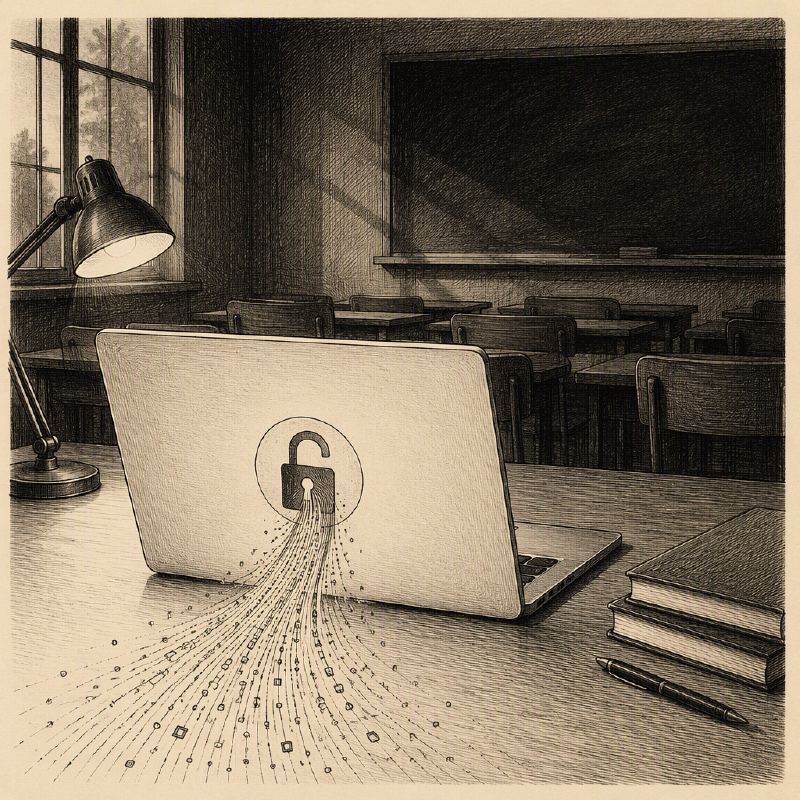
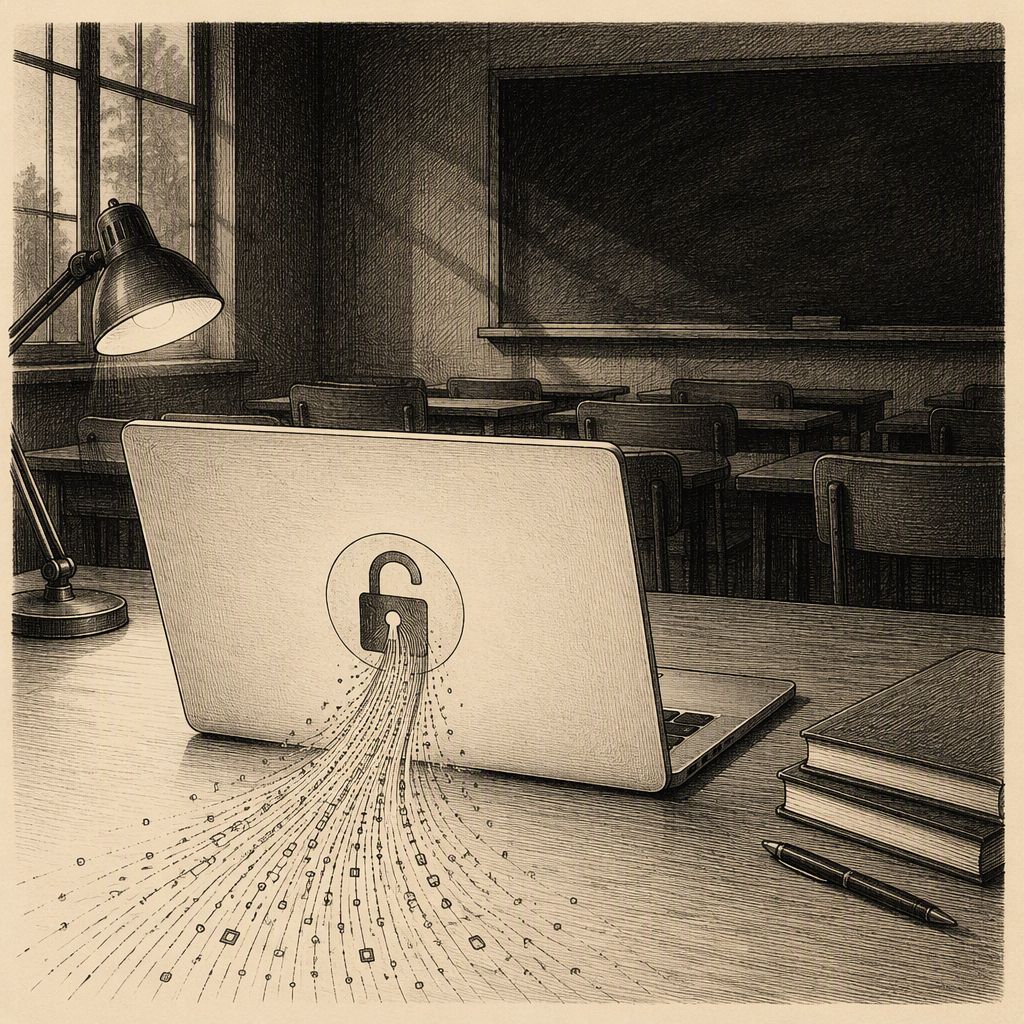
A stark reminder of basic cybersecurity hygiene failures has emerged from the UK, where an IT veteran, Kevin Walker, stumbled upon a headteacher's laptop with an astonishingly weak login combination: username 'headteacher' and password 'headteacher'. The credentials were not only easily guessable but also physically affixed to the device via a sticker, presenting a wide-open door for malicious actors.
Walker, who was providing IT services to a school, highlighted that such a compromised device could grant attackers access to a treasure trove of sensitive information. This includes personal data of pupils, internal school communications, emails, and confidential files. The implications of such a breach could be severe for students, staff, and the institution itself, effectively allowing unauthorized access to the school's most critical data without ever needing to physically enter the premises.
This incident is not an isolated case, according to Walker's observations. During his tenure in school IT, he encountered numerous other significant security lapses. These included an Excel file named 'Passwords.xlsx' left on a shared drive accessible to students, containing a list of login credentials. Additionally, he noted active accounts for former employees, a backup drive that was permanently connected and thus vulnerable to being wiped by attackers, and a Wi-Fi password openly displayed on a reception whiteboard.
Further examples of poor security practices cited by Walker include a critical system accessible only from an outdated laptop, a machine with a 'Do Not Turn Off' note that instilled fear in staff, and a CCTV monitor still running the obsolete Windows XP operating system years after its end-of-life. Even the server room was found to be doubling as a storage closet for stationery and Christmas decorations, indicating a general disregard for physical and digital security.
Walker attributes these widespread issues to a lack of cybersecurity prioritization within educational institutions. He recounted an instance where a manager dismissed the need for robust data protection, stating, "They're only a primary school." This mindset, coupled with the challenges of working with outdated hardware and competing administrative priorities, creates a fertile ground for security vulnerabilities.
To combat these pervasive issues, Walker advocates for a simple yet effective strategy: "Make the safe thing the easy thing." He suggests implementing straightforward measures such as providing staff with password managers, enforcing multi-factor authentication, conducting regular account reviews, testing backups, removing shared administrative logins, and ensuring systems are kept updated.
Crucially, Walker emphasizes the importance of enforcing strong password policies and blocking credentials that have already appeared in known data breaches. Using passwords that are publicly available online to protect sensitive school systems is unacceptable. While these measures might not be as flashy as deploying new technology, they are fundamental to establishing a secure environment.
The headteacher's easily compromised login serves as a potent symbol of the broader cybersecurity challenges facing many educational institutions, underscoring the urgent need for better training, resource allocation, and a fundamental shift in security awareness.