
Hackers Leverage Legitimate Remote Tools in Sophisticated Phishing Campaigns
Attackers are distributing legitimate MSP360 Remote Monitoring and Management and ConnectWise ScreenConnect installers disguised as Zoom or PDF updates via phishing emails, tricking users into granting administrator access.
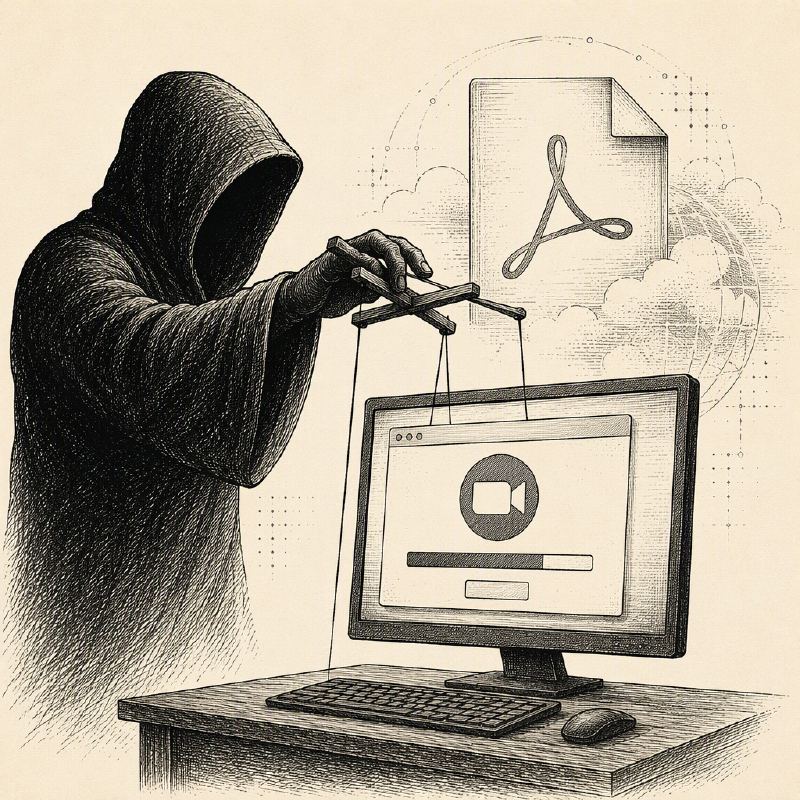
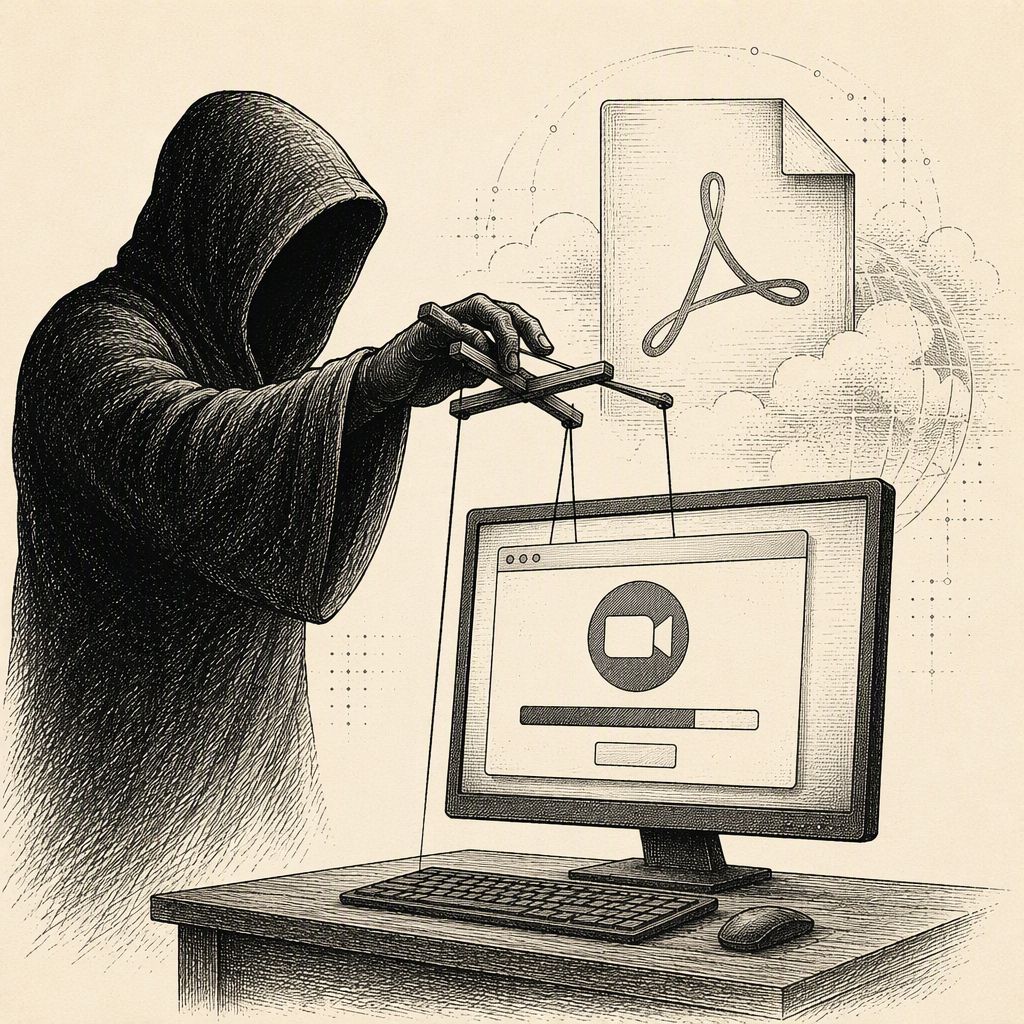
Cybercriminals are employing a sophisticated tactic by disguising legitimate remote access tools as familiar software updates, such as Zoom installers or PDF readers, to gain unauthorized control over business PCs. These phishing campaigns, identified by Microsoft analysts in July 2026, leverage convincing lures like meeting invitations, document requests, or software update notifications to trick unsuspecting users into downloading malicious files.
The core of this attack involves the distribution of MSP360 Remote Monitoring and Management (RMM) version 2.5.0.67. Attackers present this legitimate, digitally signed installer under deceptive filenames, exploiting users' trust in common application names. Once a victim executes the file and approves the Windows administrator prompt, the MSP360 services are installed, along with automatic startup entries and a firewall rule that allows the RMM agent to communicate over UDP port 48678.
Crucially, this campaign does not exploit vulnerabilities within the remote-control software itself. Instead, it weaponizes the legitimate functionality of these tools, turning them into an attacker's foothold. This approach makes the intrusion harder to detect, as it can blend in with normal IT support activities. The success of the attack hinges on the user's action of approving the administrator prompt; if denied or abandoned, the installation process halts before the remote management components are fully deployed.
Microsoft's investigation also uncovered separate activity in July using another legitimate deployment agent to install ConnectWise ScreenConnect, indicating that this method is not limited to MSP360. The infrastructure used for these attacks is highly dynamic, with links directing victims to various attacker-controlled sites, compromised websites, and cloud storage services like Amazon S3, Cloudflare R2, Dropbox, GitLab, and Supabase. This constantly shifting delivery mechanism makes it challenging for security defenses to keep pace.
Once the MSP360 agent is active, it launches PowerShell to download and silently install a ConnectWise ScreenConnect client. This establishes a secondary, independent remote access channel into the compromised computer. The ScreenConnect service then proceeds to download and execute further malicious utilities from temporary directories, often within the user's Documents or OneDrive Documents folder. These secondary tools are designed for tasks such as password theft, browser data collection, and hiding the attacker's presence on the system.
The implications of this layered attack are significant. By using legitimate RMM tools, attackers can achieve persistence, transfer files, and execute commands remotely, all while operating under the guise of approved software. This mirrors the tactics seen in other campaigns that leverage trusted administration tools for malicious purposes, highlighting a growing trend where legitimate software is co-opted for cybercrime.
To mitigate these threats, organizations are advised to maintain strict inventories of approved remote management applications and block any unapproved instances, potentially by publisher certificate. Implementing multi-factor authentication for sanctioned tools, keeping endpoint protection enabled, and actively hunting for unexpected RMM installations are also critical steps. Security teams should also monitor for specific installer hashes, new MSP360 or ScreenConnect services, and unusual PowerShell or Windows Installer activity. Resetting credentials for accounts involved in unauthorized deployments and investigating system-level credential compromise are essential response measures.