
Hackers Impersonate IT Help Desk on Microsoft Teams to Steal Passwords
Attackers are impersonating IT help desk staff on Microsoft Teams to trick employees into installing malware or granting remote access, ultimately stealing Windows passwords.
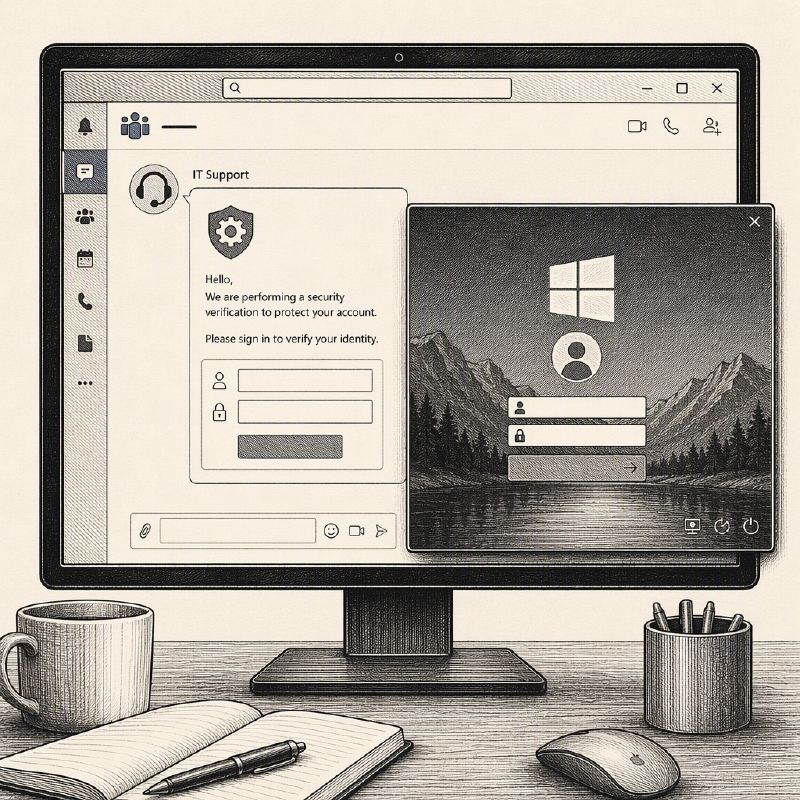
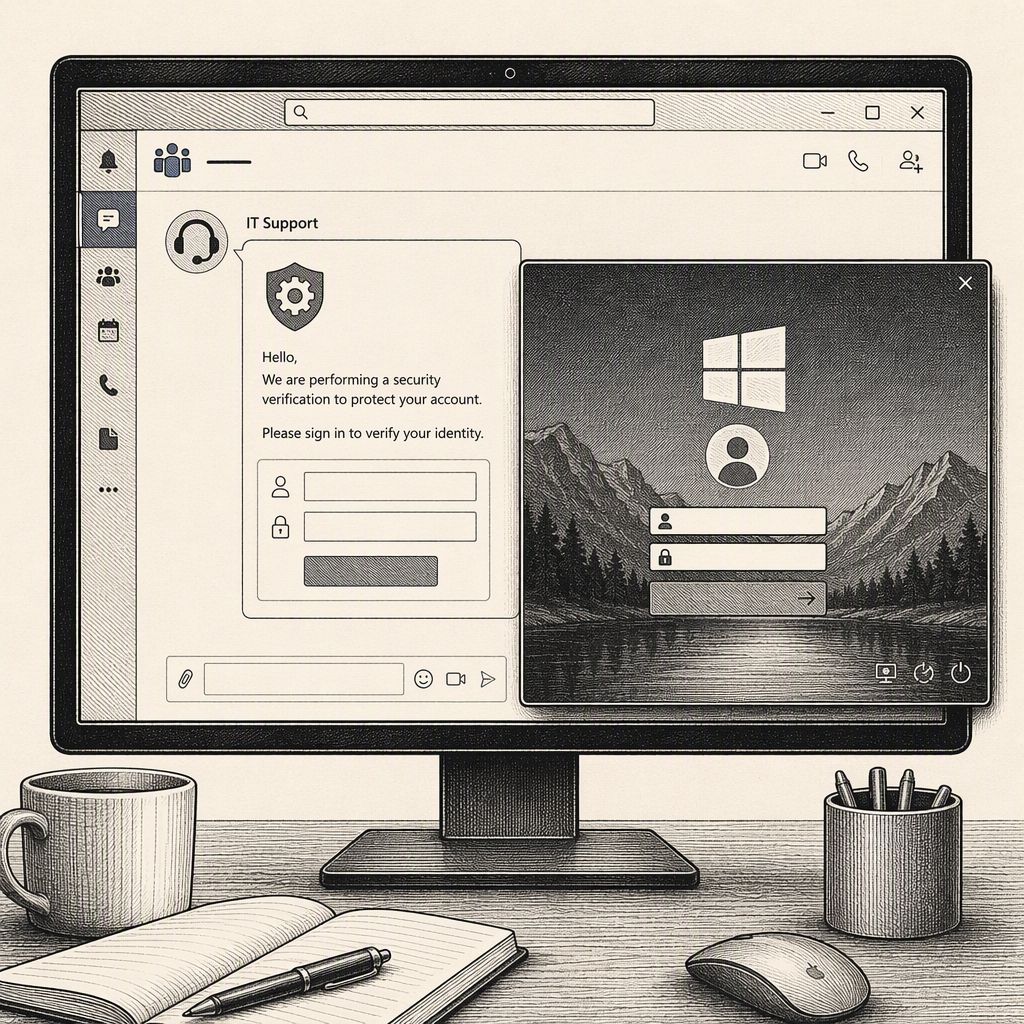
Cybercriminals are employing a sophisticated social engineering tactic, impersonating IT help desk personnel within Microsoft Teams to deceive employees into compromising their systems and credentials. This campaign bypasses traditional software vulnerabilities, instead leveraging the trust employees place in internal support channels and the platform's cross-tenant communication features.
Attackers initiate these attacks from their own compromised Microsoft 365 tenants, creating display names that mimic legitimate IT support, such as "IT Service Desk" or "Help Desk." By utilizing Microsoft Teams' external chat functionality, which is often enabled by default between different tenants, they can reach employees in other organizations. The messages typically claim an urgent need to address a security issue, perform device maintenance, resolve email problems, or install critical updates, prompting the target to download a file, grant screen control, or provide a remote-support code.
Microsoft has alerted organizations to this technique, noting that threat actors are using it to convince employees to approve interactive remote sessions. Once remote access is established, attackers gain the ability to execute commands, deploy malware, identify Active Directory infrastructure, move laterally across the network, and exfiltrate sensitive data. This method exploits the inherent trust users have in internal communications, making it a potent vector for initial access.
One notable campaign identified by researchers involves a malware family known as SynkLoader. This malware is delivered via a phishing message disguised as an IT support request within Microsoft Teams. Victims are tricked into installing a malicious MSI file, often hosted on seemingly legitimate cloud storage platforms like Microsoft Azure, which can further enhance the perceived trustworthiness of the download.
Upon installation, SynkLoader can operate stealthily, often running in memory and establishing persistence through scheduled tasks. A particularly insidious component of this malware is a module called PhishLocker. This module presents a convincing fake Windows lock screen, designed to closely resemble the legitimate Windows login interface, complete with the user's account name and a familiar background image.
The primary objective of PhishLocker is to capture user passwords in plaintext. When an employee encounters this fake lock screen and enters their credentials, the malware records them directly, bypassing the need for complex password cracking techniques. This direct capture of typed passwords is a significant threat, as it requires no sophisticated decryption or brute-force methods.
While there are methods to identify such fake lock screens, such as attempting to open the Windows Security screen via Ctrl+Alt+Delete or using Alt+Tab to reveal the task switcher, many users may not recognize these indicators under pressure. The fake lock screen in the SynkLoader case was a borderless full-screen window, which could still be overlaid by the task switcher, offering a potential clue.
To mitigate these risks, organizations should restrict external Teams communication to only known and trusted domains, ensure external sender indicators are clearly visible to users, and train employees to independently verify any unsolicited support requests through established internal channels. The most critical advice for employees is to never install software or provide credentials based on unexpected Teams messages; always confirm the request through a separate, trusted communication method before proceeding.