
Google Android Automatically Links Phone Numbers Across All Accounts
Google's default 'Phone number verification' setting on Android automatically adds a user's phone number to every Google account signed in on the device, raising privacy concerns.
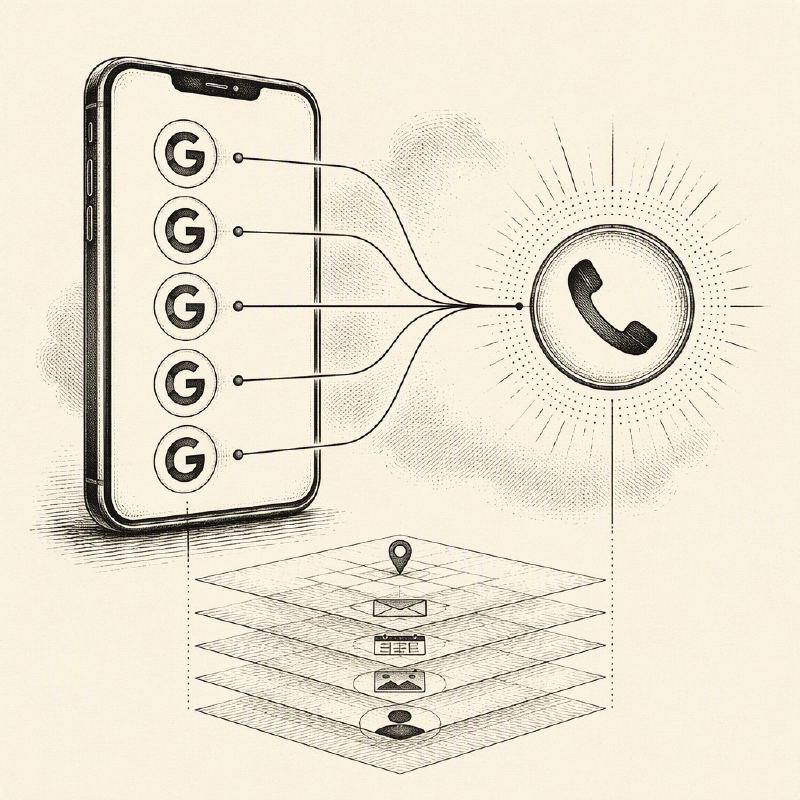
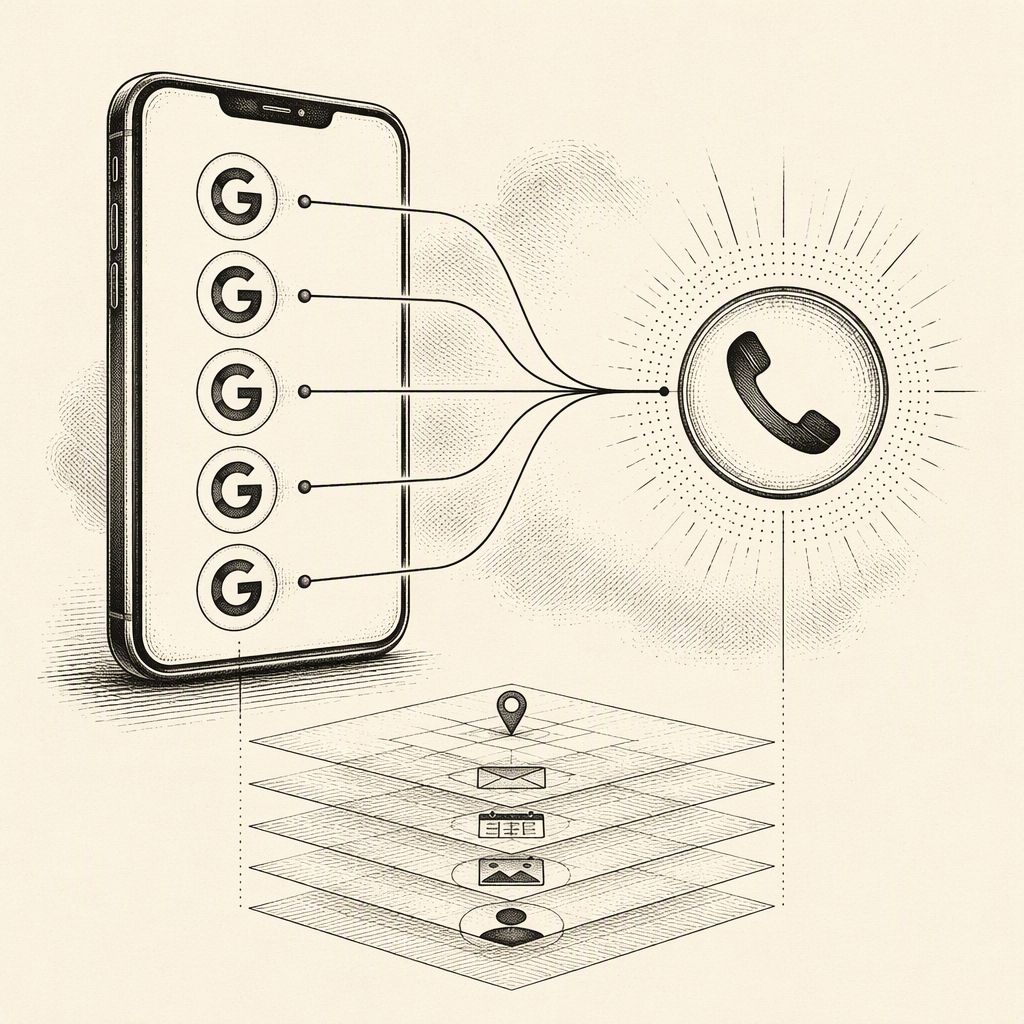
Google has implemented a default setting on Android devices that automatically verifies and associates a user's phone number with all Google accounts logged into that device. This feature, termed "Phone number verification," is enabled out-of-the-box and has sparked privacy concerns among users who maintain separate accounts for personal, work, or other distinct purposes.
The automatic linking extends to both existing accounts and any new accounts added to the device later. Similarly, new phone numbers added to the device will also be linked to the accounts already signed in. This behavior means that a single phone number can become associated with multiple, potentially unrelated, Google accounts without explicit user consent for each linkage.
According to Google's support documentation, the primary purposes of phone number verification include enhancing account sign-in security, facilitating account recovery, enabling emergency services, and improving communication features. Google and mobile carriers periodically verify that the phone number still belongs to the user, though carrier charges may apply during these checks.
Reports from outlets like Android Authority indicate that users have received unexpected notifications about their phone numbers being verified. This feature's scope is broader than the "Better sharing on Google" function, which typically applies only to a single account. Phone number verification, however, operates across all accounts signed into the device.
While Google states this is an account setting and not indicative of a breach, the automatic cross-account linking raises questions about user control over their personal data. The concern is that a phone number, intended for a specific account, becomes accessible or linked to other accounts within Google's ecosystem, potentially creating unwanted connections.
To prevent this automatic linking, users must manually disable the "Verify phone numbers automatically" setting within their Android device's Google settings. This is typically found under Settings > Google > All services > Privacy & security > Phone number verification. Turning off this device-level setting does not automatically remove phone numbers already linked to accounts.
Users who wish to fully decouple their phone numbers from specific accounts must navigate to each affected Google account's "Personal info" page, select "Contact info," then "Phone," and manually remove any unwanted numbers. It is advisable for users to review how each number is utilized, especially for account recovery purposes, before making changes.
Some user reports on platforms like Reddit suggest that the setting may revert to being enabled on its own, though Android Authority could not reproduce this behavior. This highlights the importance for users managing multiple accounts to regularly review both the device-level setting and the phone numbers associated with each individual Google account.