
Fraudsters Clone Bank Support Pages to Trick Users into Downloading Remote Access Tools
A sophisticated fraud campaign impersonates bank support pages, luring victims to fake call centers that then guide them to install legitimate remote-access software for malicious purposes.
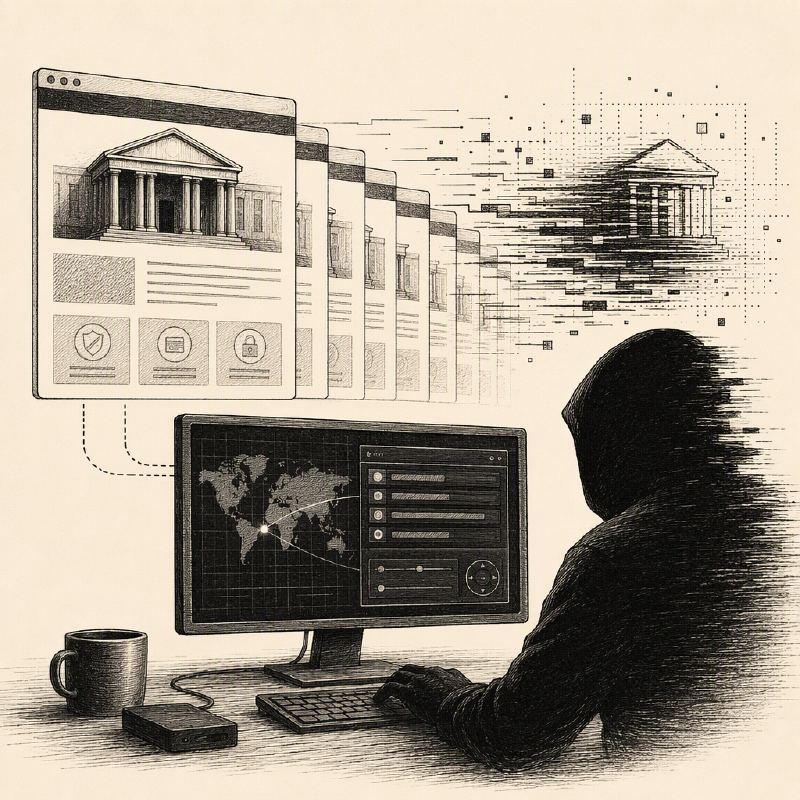
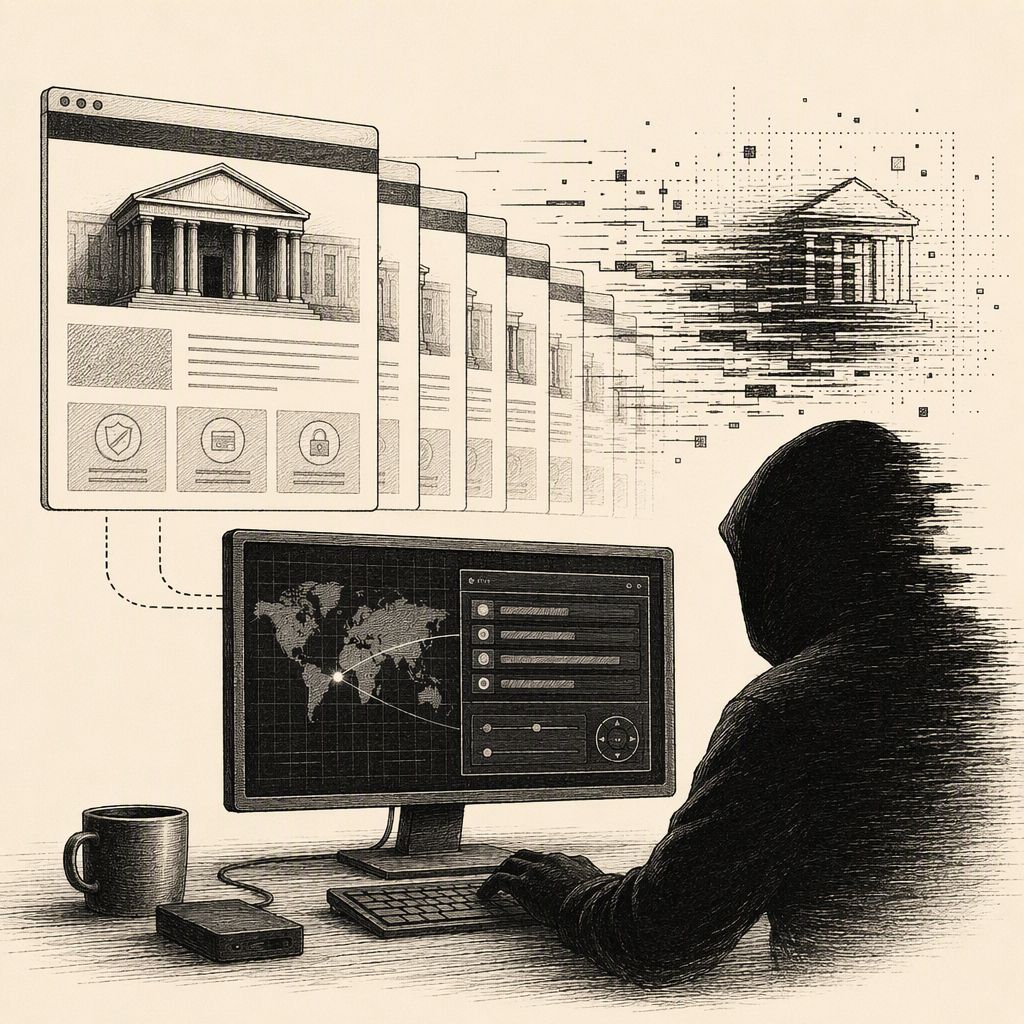
A widespread fraud operation is actively targeting banking customers by creating convincing replicas of official bank support pages. These fake sites are designed to trick victims into downloading and executing legitimate remote-access tools, which attackers then leverage to gain unauthorized control over their systems. The campaign, which has been ongoing since at least March, employs social engineering tactics and a vast network of malicious domains to achieve its objectives.
Researchers from the British threat intelligence firm Lab539 have identified over 380 registered domains associated with this operation. These domains host cloned versions of customer support or help pages for numerous financial institutions, including major banks like Barclays, HSBC, Lloyds, Revolut, and Santander. The attackers' primary goal is to exploit the trust users place in their bank's official channels.
The attack chain often begins with phishing emails or telephone-oriented attack delivery (TOAD) tactics. TOAD involves tricking a victim into initiating a phone call to what they believe is a legitimate support center. These emails might use fake invoices to create a sense of urgency, and crucially, they often contain only a phone number, bypassing email security gateways that typically scan for malicious links or attachments.
Once a victim contacts the fake call center, they are guided through a process that mimics a genuine bank workflow. The fraudulent support pages feature additional buttons, such as "Verify Call," "Live Chat," "Generate Case ID," "Security Check," or "Fraud Report." When a victim clicks one of these, they may be prompted to enter a verification code provided by the fraudster on the phone, further enhancing the illusion of legitimacy.
Different buttons trigger distinct attack vectors. The "Live Chat" feature, for instance, initiates the download of a legitimate AnyDesk installer. Victims are then instructed to enable AnyDesk, granting attackers one-time remote access to their system. This reliance on legitimate tools makes the attack harder to detect by security software.
A more advanced variant involves the "Verify Call" button, which delivers a file disguised as a "ShieldWall Defender" tool. In reality, this is an installer for ScreenConnect, a legitimate remote-support tool that has been bundled with additional malicious functionality. This includes disabling some security tools and escalating privileges, ultimately giving attackers persistent access to the victim's system.
Further sophistication is seen in attack chains involving files like FraudReport.zip. These archives combine genuine Microsoft Defender components with malicious DLLs, allowing trusted Microsoft-signed software to load attacker-controlled code. This technique also leads to the deployment of a ScreenConnect installer, ensuring deep system compromise. Notably, some of the malicious payloads were signed using digital certificates issued to "Botania Games," though the connection of this company to the attacks is unclear; certificate authorities have since revoked these certificates.
The campaign highlights a concerning trend of attackers leveraging legitimate software and sophisticated social engineering to bypass security measures. The use of convincing fake websites, coupled with the manipulation of remote-access tools, presents a significant threat to banking customers worldwide. The ongoing nature of the campaign and the scale of infrastructure involved underscore the need for increased vigilance and robust security awareness among financial institution customers.