
Fake Microsoft Scans Trick Users into Uninstalling Antivirus
Malicious websites impersonating Microsoft are tricking users into uninstalling their legitimate antivirus software by claiming it's unsupported, paving the way for further scams.
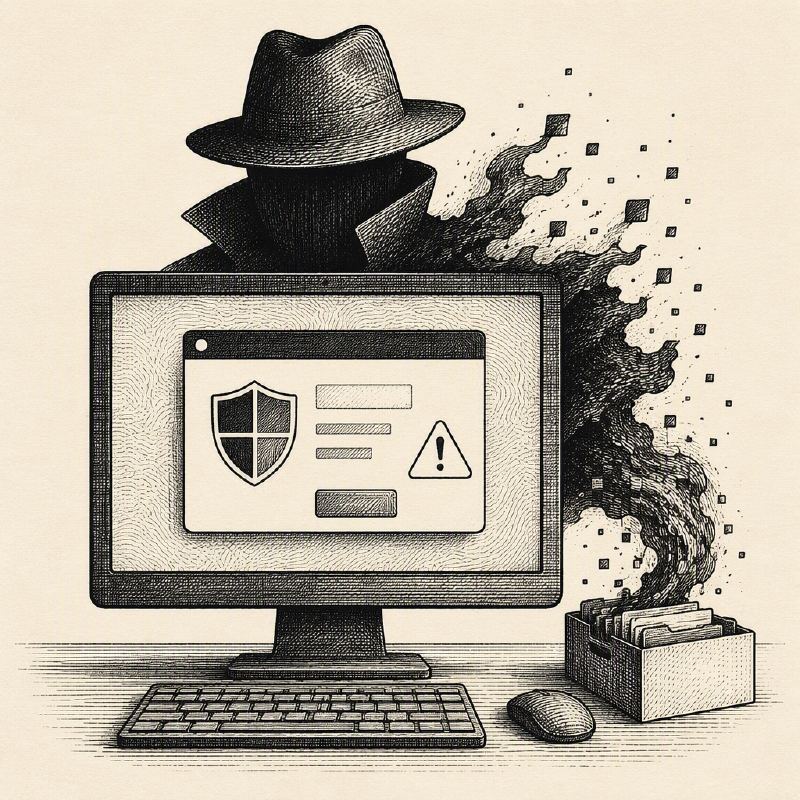
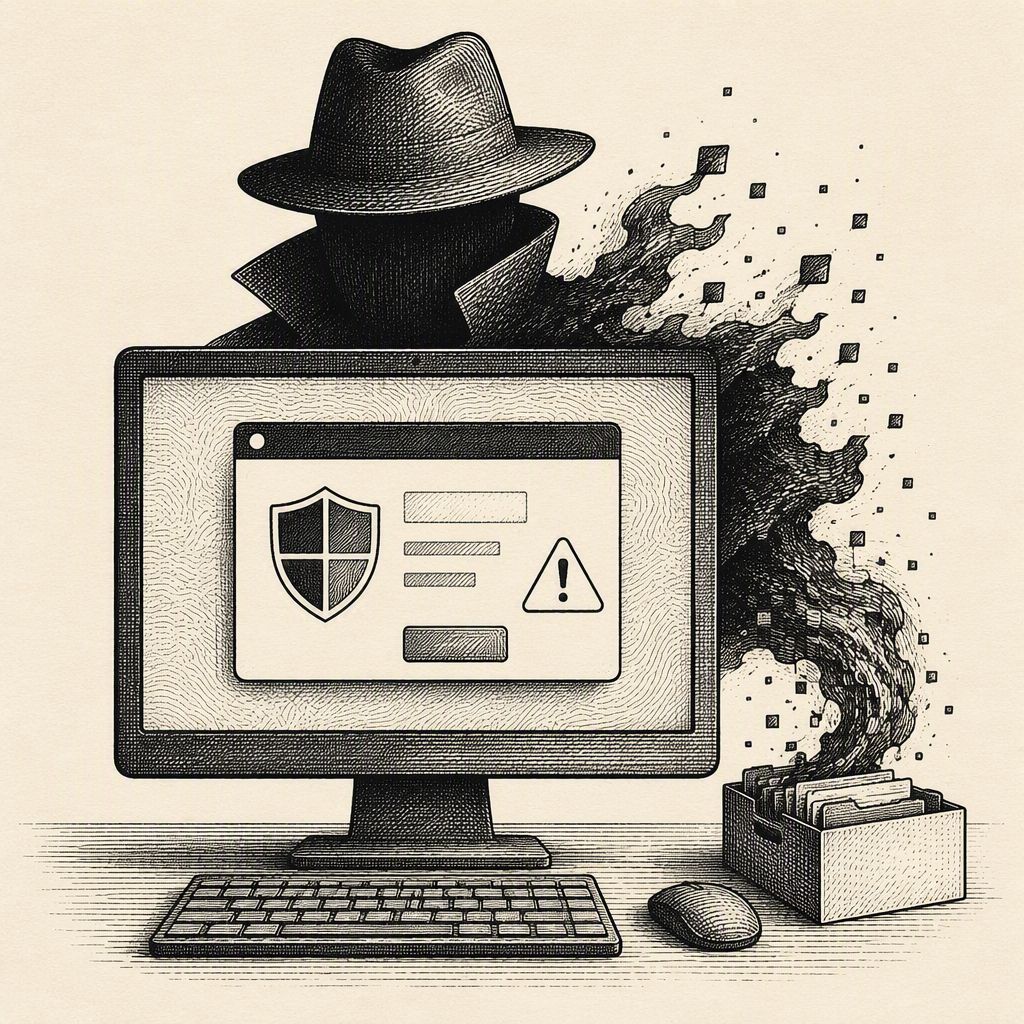
A sophisticated scam campaign is actively targeting internet users through fake Microsoft security scan websites designed to trick them into disabling their antivirus software. These deceptive sites, often bearing Microsoft branding and names like 'SysScan,' present fabricated security warnings, falsely claiming that third-party antivirus solutions are no longer supported by Windows. This tactic is the first step in a larger refund scam aimed at removing security measures, collecting sensitive personal and financial information, and ultimately gaining remote access to victims' computers.
The technical analysis reveals that these websites can only access basic browser data such as the operating system, screen size, and approximate location. They cannot perform genuine security scans or detect malware. The "findings" presented are largely pre-written text, with "checks" labeled as fake within the code. Common fabricated warnings include compromised browser sandboxes, inactive kernel page-table isolation, Rowhammer vulnerabilities, missing Trusted Platform Modules, and IP address leaks via WebRTC. Even legitimate browser features like encrypted connections are twisted into security risks.
One of the most consequential actions these scam sites demand is the uninstallation of legitimate antivirus software. This serves a dual purpose for the attackers: it removes any software that might interfere with their subsequent actions, such as installing remote access tools, and it allows them to identify the specific antivirus product the victim is using. The scam records the removed antivirus from a list of 28 products, including enterprise solutions, indicating a broad target base.
The claim that Windows no longer supports third-party antivirus is a distortion of the truth. While Windows Defender Antivirus can enter a passive mode when a compatible third-party product is active, this does not signify a lack of support for external security solutions. The scam exploits this nuance to create a false sense of urgency and necessity for removal.
Following the fake scan and antivirus removal, victims are presented with an information-gathering form. This form collects extensive personal data, including name, address, phone numbers, email, desired refund amount, bank details, cryptocurrency usernames, and crucially, the credentials for a remote-access session. The inclusion of fields for "Agent ID," "Agent Name," and "Company" suggests the form is intended to be filled out by a scammer during a phone call, potentially while viewing the victim's screen.
Upon submission, the collected data is sent directly to a Telegram bot API, bypassing any application backend, which makes the sites cheap to host and easy to discard. This method also contradicts the site's claims of not collecting data. The process is designed to be fast and efficient for the scammers, allowing them to quickly move to the next stage of the attack.
After form submission, victims are directed to a page that promises a "refund manager" will call within minutes. This page often features a looping video that prevents user interaction, further isolating the victim and building anticipation for the fraudulent call. The entire operation is a multi-stage scam designed to exploit user trust and fear, leading to significant financial and personal data loss.
This new report details the technical execution of the scam, revealing that the fake Microsoft security scan sites collect basic browser data to personalize fabricated security reports. The operation, which Malwarebytes identified as involving 11 related sites hosted on a single server, uses a convincing website and a false security score to build trust before pushing victims to uninstall their antivirus and grant remote access under the guise of a refund process.