
Fake CAPTCHAs Evolve into Malware Delivery Vector
Attackers are increasingly abusing CAPTCHA verification prompts to trick users into downloading malware, revealing credentials, and executing malicious commands.
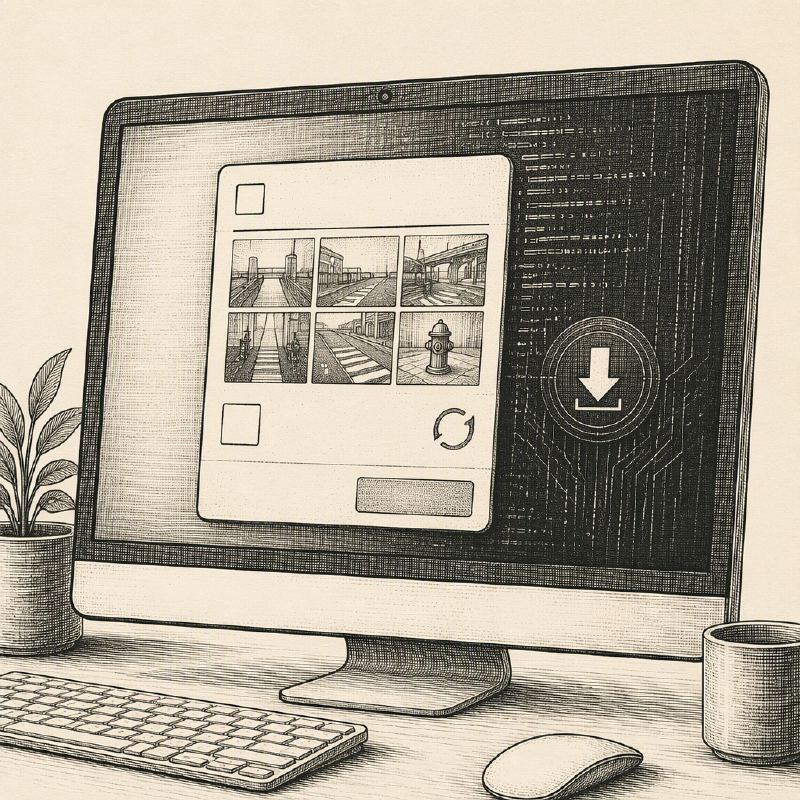
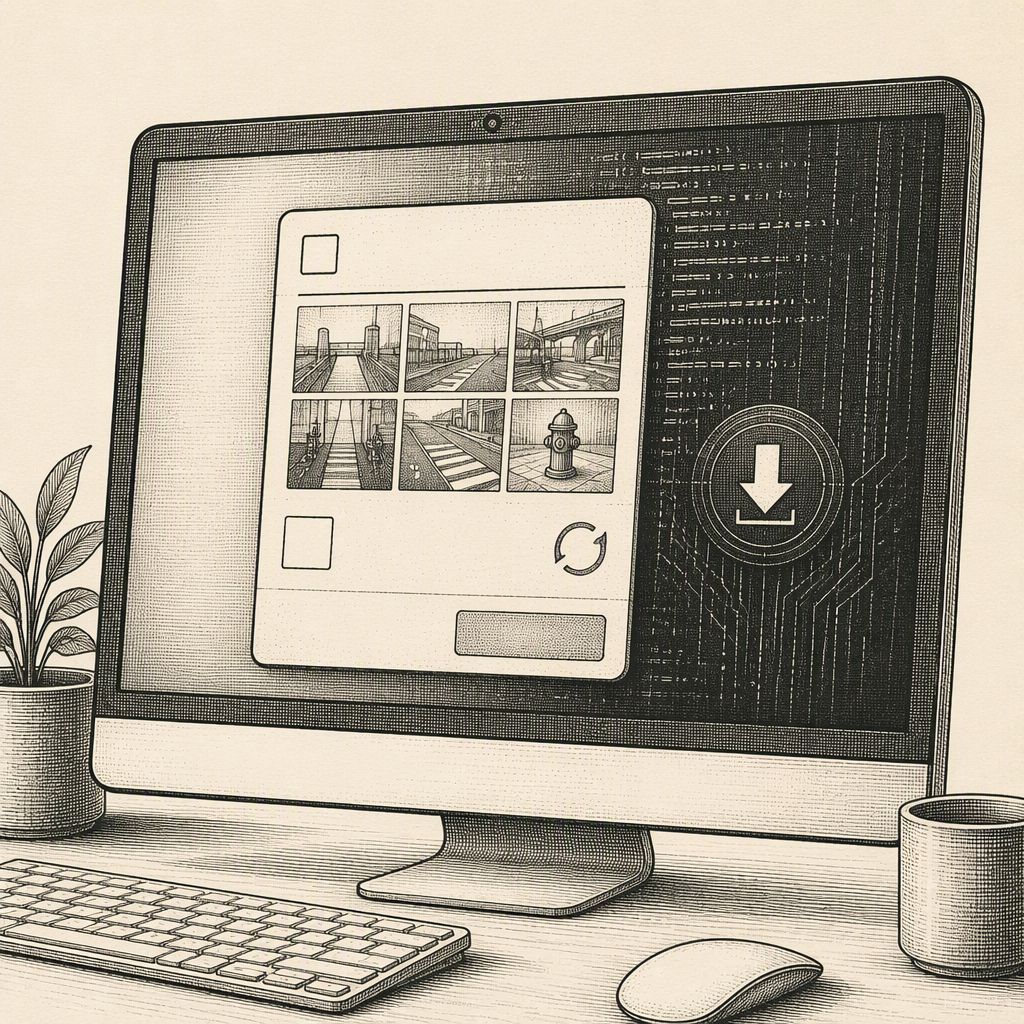
Cybercriminals are weaponizing the familiar CAPTCHA verification process, transforming it from a simple "prove you're human" step into a sophisticated gateway for malware delivery and credential theft. Barracuda Networks observed this evolving tactic in a significant portion of phishing kit attacks examined during 2025, with fake CAPTCHAs appearing in 43% of cases.
These deceptive CAPTCHA pages serve multiple purposes for attackers. Primarily, they aim to build trust with the victim by mimicking legitimate verification processes. They also act as a crucial filtering mechanism, allowing malicious content to bypass automated security tools and scanners that might otherwise flag suspicious activity. By presenting a seemingly innocuous verification step, attackers can lure unsuspecting users into the next stage of their attack chain.
The attack typically begins with a phishing email prompting the recipient to review a document, invoice, or contract. The provided link directs the user to a fake CAPTCHA page, presenting verification as a mandatory requirement to access the promised content. This creates a sense of urgency and legitimacy, encouraging the user to complete the challenge.
Upon successful completion of the fake CAPTCHA, users may be redirected to a counterfeit login page, often impersonating legitimate services like Microsoft 365, with the goal of harvesting credentials. In other variations, the CAPTCHA completion triggers an immediate malware download or prompts the user to enable browser notifications. Enabling these notifications allows attackers to push further malicious content directly to the user's browser, bypassing traditional email-based delivery methods.
One of the more insidious techniques involves tricking users into executing malicious commands directly on their own systems. These "ClickFix" attacks present the CAPTCHA as a means to verify a problem or complete a fix. However, clicking a checkbox or "Verify" button can silently copy a malicious command to the user's clipboard. The page then instructs the victim to open a system tool, such as the Windows Run dialog, paste the copied command, and press Enter, thereby initiating the malware infection without the user's explicit knowledge of executing harmful code.
Attackers are leveraging AI and no-code development tools to create highly convincing CAPTCHA pages and phishing sequences. These pages can be dynamically adapted based on the visitor's device, location, or activity, making them difficult to detect and investigate. Some campaigns even chain multiple impersonations, starting with a document-sharing lure, leading to a fake CAPTCHA, then an Adobe-style prompt, and finally a Microsoft sign-in page, mimicking a common workplace workflow to increase the likelihood of success.
Barracuda warns users to be vigilant for several red flags, including requests to run commands, install software, enable browser notifications, or provide passwords and one-time passcodes. Unexpected downloads, threats of account suspension, or data loss should also raise immediate suspicion. Verifying website addresses for misspellings, unusual subdomains, and ensuring they match the expected service are critical steps before proceeding with any verification or data entry.