
Fake Bank of America Phishing Scam Abuses ScreenConnect for Remote Access
A phishing campaign impersonating Bank of America is distributing a malicious script that installs the legitimate ScreenConnect remote access tool, enabling attackers to gain persistent control over compromised systems.
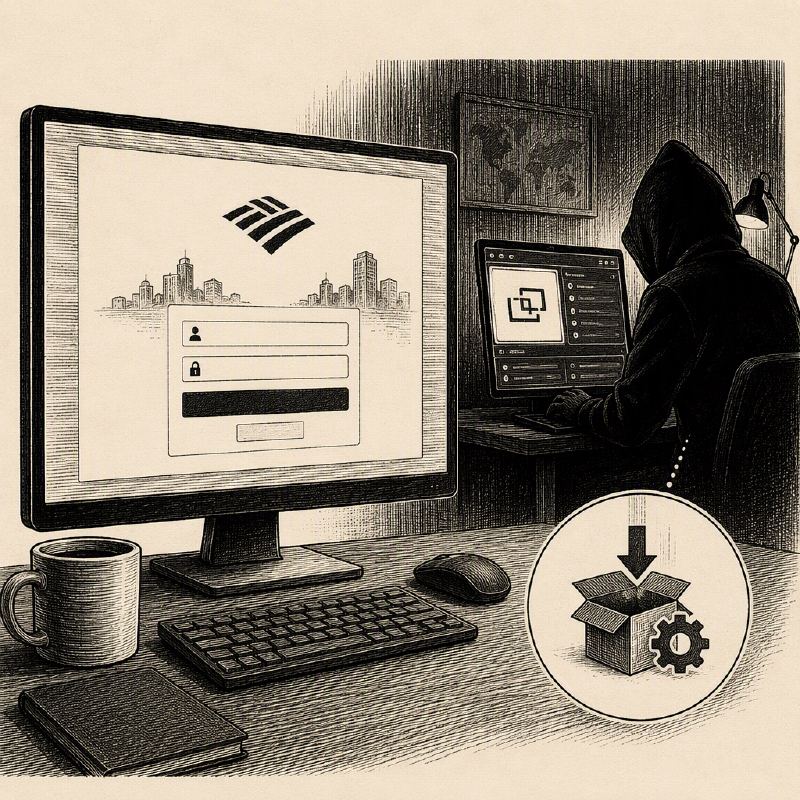
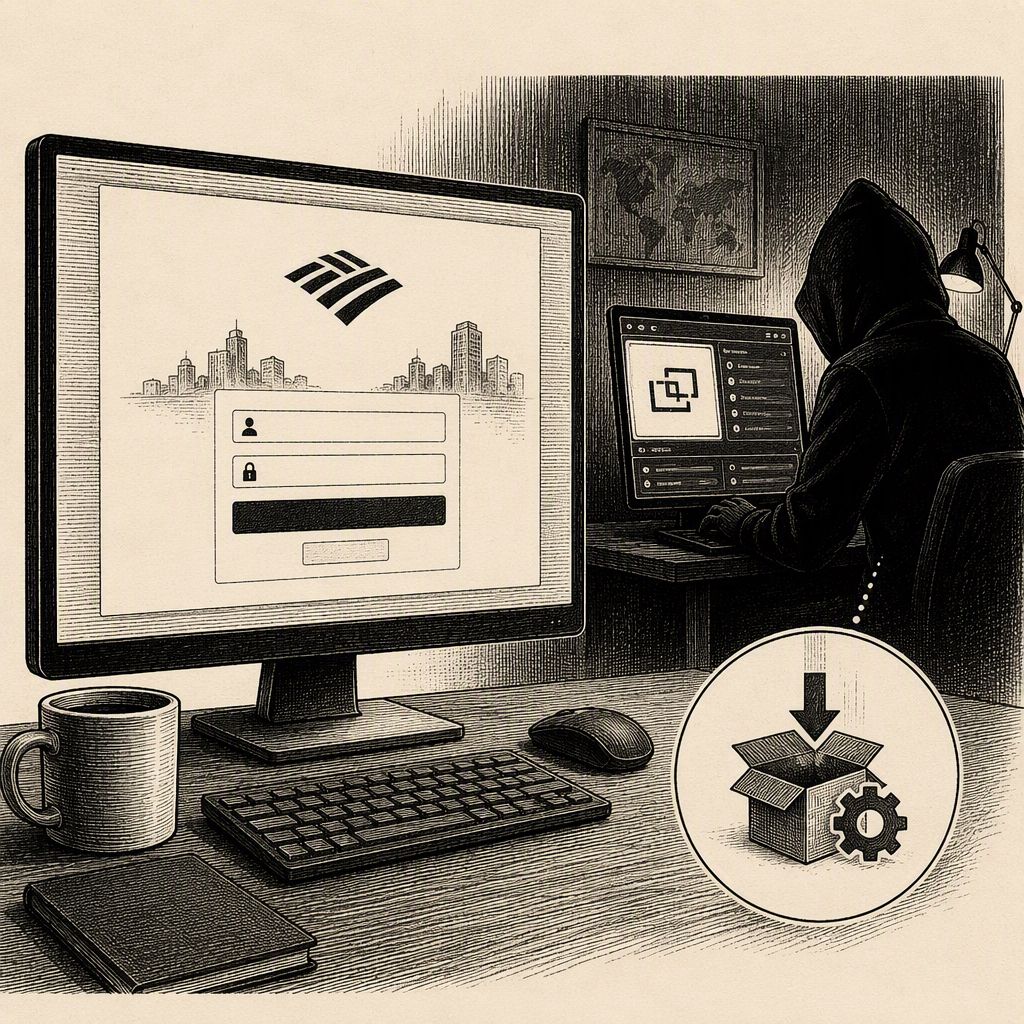
Cybercriminals are employing a sophisticated phishing campaign that meticulously mimics Bank of America's branding and communication style to trick unsuspecting users into compromising their systems. Identified by cybersecurity firm Huntress, the scam begins with emails designed to look like official bank communications, directing recipients to a fake "Security Centre" webpage.
The fraudulent emails and landing pages use deceptive domain names, such as bkofamerica[.]com and kleinschnitg[.]com, to lure victims. Once on the fake site, users are prompted to download an "Account Guard" application, presented as a tool to protect financial data. For Windows users, this download consists of a zip file containing a Visual Basic Script (VBS) named AccountGuardSetup.zip.
Upon execution, the VBS script initiates a multi-stage attack chain. It decodes complex, Base64-encoded data blobs, which ultimately lead to the download and installation of ScreenConnect, a legitimate remote access tool. This process is designed to be stealthy, with the script invoking a C# exploit to bypass User Account Control (UAC) and elevate privileges silently.
The final payload is a PowerShell script that downloads a 17MB ScreenConnect MSI package from an external URL. To evade detection, the malware disguises the ScreenConnect service as "Windows Security," removes installation traces, hides related files and services using Windows permissions, and attempts to prevent normal uninstallation procedures.
Once installed, the compromised system connects to a command-and-control (C2) server located at 217.60.195[.]167 on TCP port 8041. This IP address, geolocated to the United Arab Emirates, is known to be associated with multiple other malware families, indicating its use as a shared C2 infrastructure.
For users accessing the phishing site via Mac devices, the campaign deviates from malware deployment. Instead, Mac users are prompted to submit any valuable personal information they possess, suggesting a multi-pronged approach to data theft and system compromise.
Huntress advises users to remain vigilant, paying close attention to the sender's email address and the destination of any links before clicking. This campaign highlights the ongoing trend of threat actors abusing legitimate tools like ScreenConnect for malicious purposes, underscoring the need for robust security awareness training and endpoint protection.
The attackers' ability to replicate official branding and employ multi-stage obfuscation techniques demonstrates a growing level of sophistication in financially motivated cybercrime, targeting a major financial institution to maximize potential impact.
This new report details the specific techniques used to make the ScreenConnect installation difficult to remove, including the use of SDDL ACLs to block user changes and conceal the "Windows Security" service. Furthermore, the campaign employs obfuscated VBScript and PowerShell to download and execute a custom ScreenConnect RMM client, with separate lures for Windows and Mac users to maximize reach.