
Device Code Phishing Abuses OAuth 2.0 for Account Takeovers
A new phishing technique, dubbed device code phishing, exploits the legitimate OAuth 2.0 Device Authorization Grant to steal user accounts without requiring credentials or passwords.
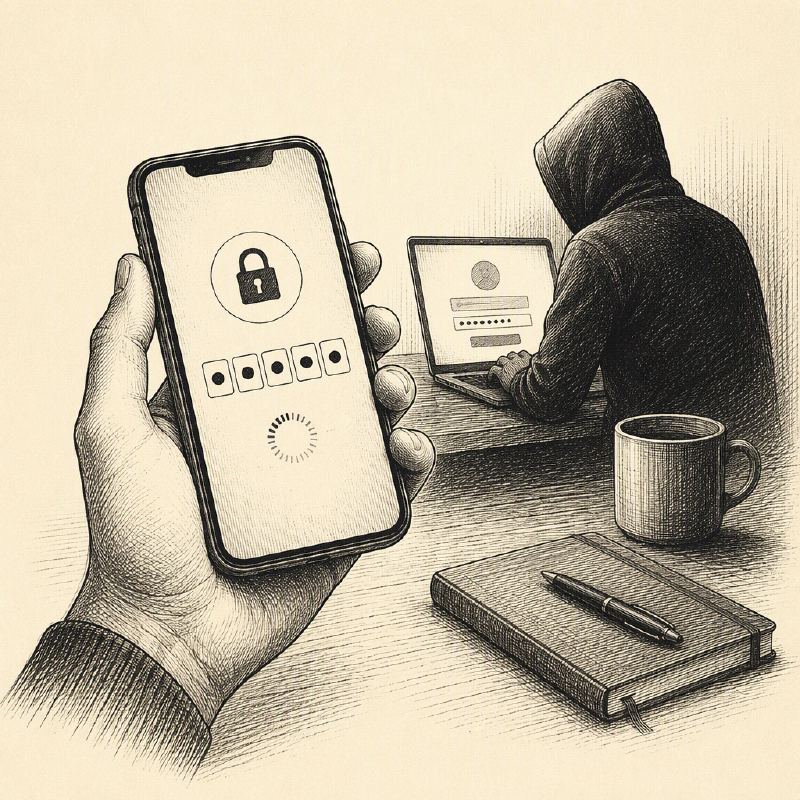
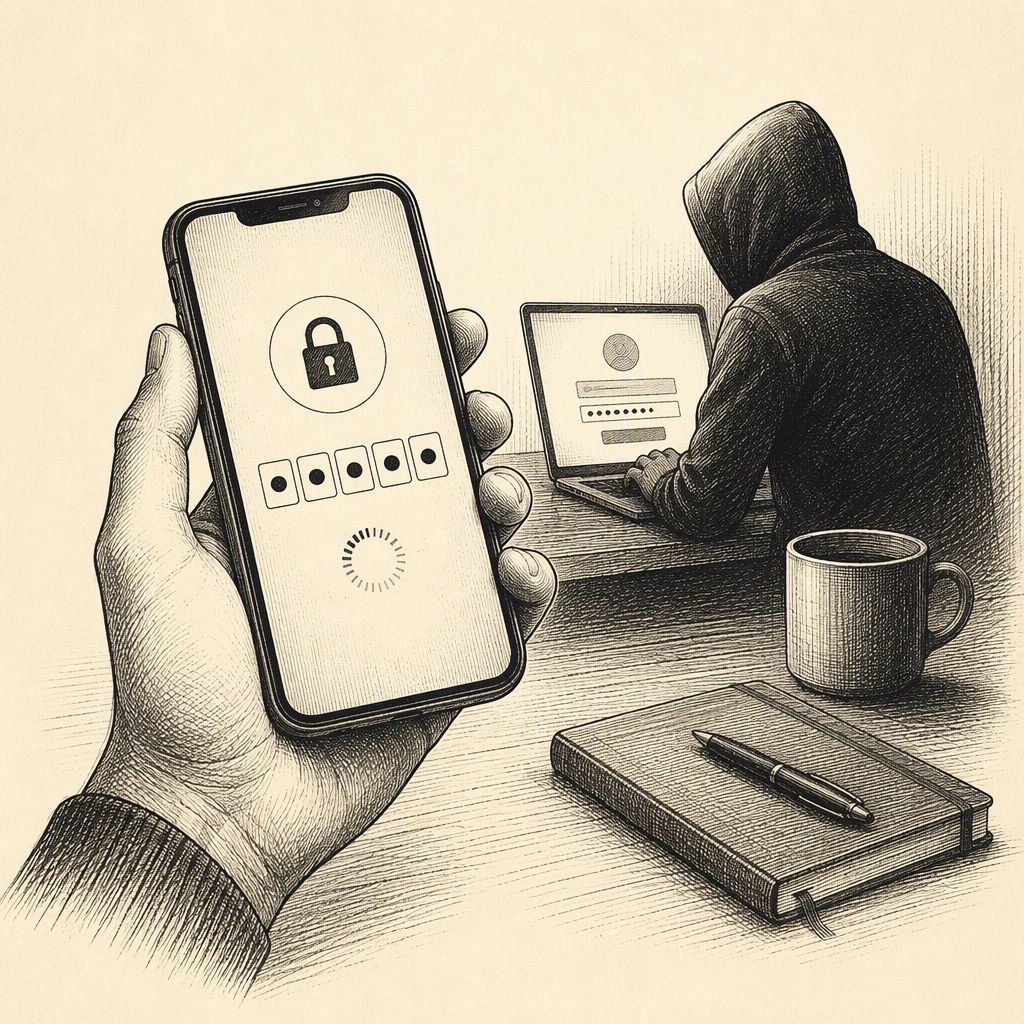
Cybercriminals are increasingly leveraging a legitimate authentication feature to bypass traditional security measures and gain unauthorized access to user accounts. This emerging threat, known as device code phishing, exploits the OAuth 2.0 Device Authorization Grant, a standard designed for devices that lack traditional input methods, such as smart TVs, printers, or command-line tools.
Instead of requiring users to enter credentials directly on these limited devices, the process involves displaying a short code. Users are then instructed to visit a legitimate sign-in page on a separate device, enter the code, and approve the sign-in request. This mechanism allows authorized applications to access user accounts without exposing passwords.
Attackers have weaponized this process by initiating a device code sign-in request for an application they control. They then use social engineering tactics, often through fake meeting invitations, document-sharing requests, or invitations to "secure" chatrooms, to trick victims into entering the provided code on the genuine verification page. Once the victim approves the request, the attacker receives authentication tokens, effectively granting them access to the victim's account.
The danger of this method lies in its ability to bypass multi-factor authentication (MFA). Because the victim is actively participating in the sign-in process, they may complete any MFA prompts themselves, inadvertently authorizing the attacker's access. Furthermore, the use of legitimate sign-in pages, such as Microsoft's microsoft.com/devicelogin, makes it difficult for users to identify the scam based on the URL alone.
The scope of access an attacker can achieve depends on the application and the permissions granted. This could range from limited access to a single service to full access to email, cloud storage, contacts, and other sensitive data. The approval screens themselves may sometimes obscure the identity of the application requesting access, further complicating detection.
Security researchers have identified phishing kits like EvilTokens as facilitators of these attacks. Common red flags include unexpected requests to enter a code on an account sign-in page, approving sign-ins for unfamiliar devices or applications, or being pressured to use a sign-in code to access documents or join meetings, especially with urgent expiration warnings.
To mitigate this threat, users are advised to be highly skeptical of any unsolicited requests involving sign-in codes. If a user has inadvertently approved a suspicious sign-in, they should immediately review their account's recent activity, check connected applications and devices for unauthorized entries, sign out of all sessions, and change their password.
Malwarebytes offers a tool called Scam Guard, which can help users assess suspicious messages and links, providing an additional layer of defense against evolving phishing tactics like device code phishing.