
Brave Browser Introduces Email Aliases to Shield User Privacy
Brave's latest browser update adds an Email Aliases feature, allowing users to create unique forwarding addresses for website sign-ups to protect their primary inbox from data brokers and advertisers.
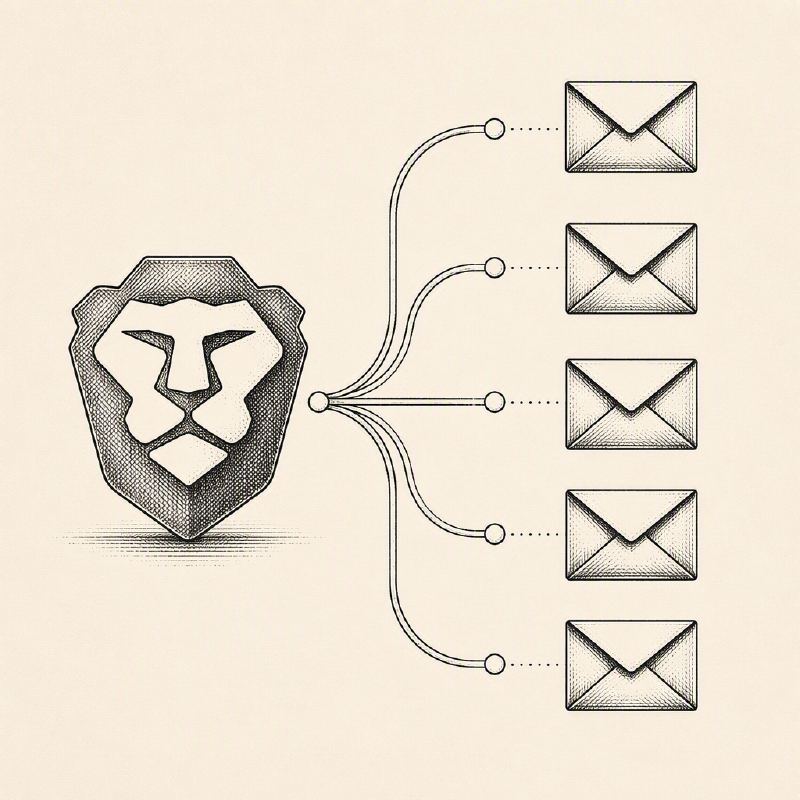
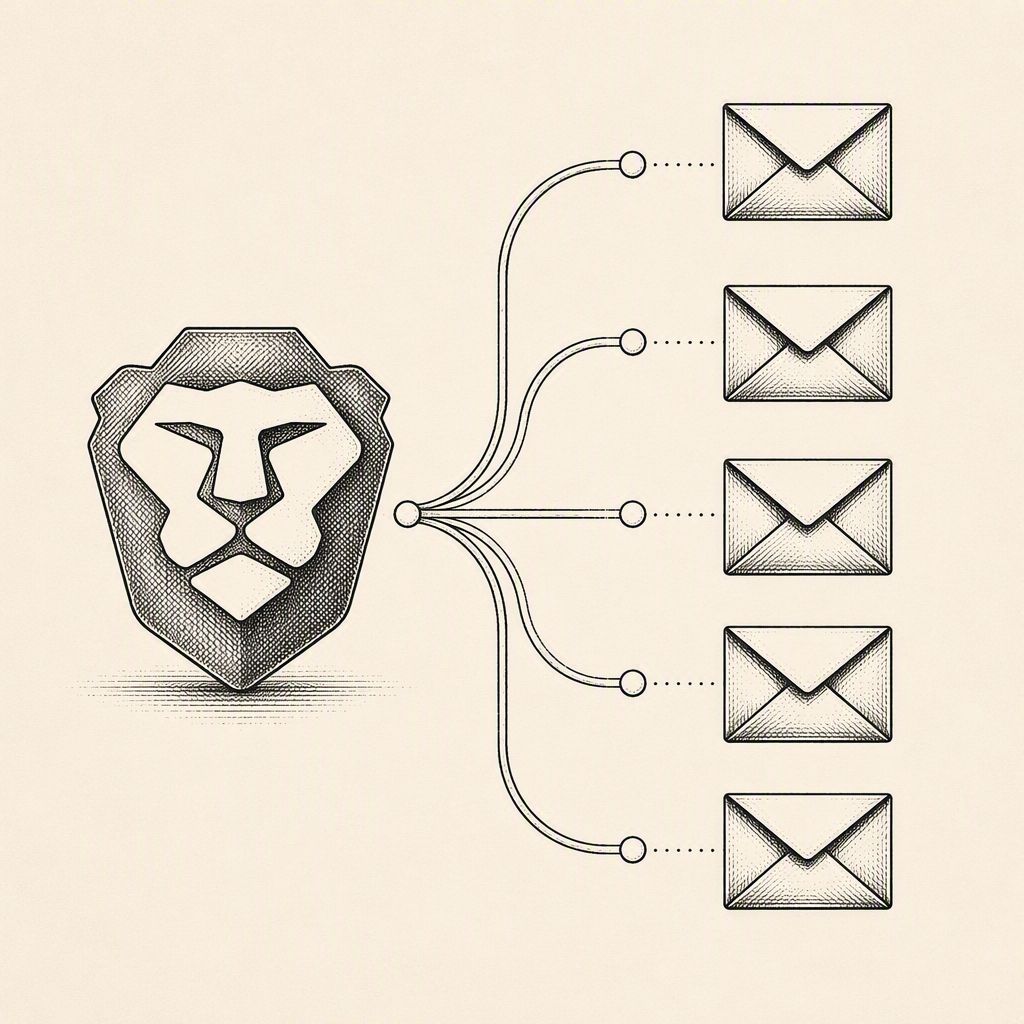
Brave has rolled out a significant privacy enhancement with its latest desktop browser update (version 1.94), introducing an Email Aliases feature. This new functionality empowers users to sign up for online services without revealing their personal email address. Instead, it generates distinct forwarding addresses that route incoming messages to the user's primary inbox, thereby shielding their core identity from potential misuse by advertisers, data brokers, and other third parties.
This initiative is the 39th in Brave's continuous series of privacy-focused updates. The development was led by Brave engineers Pavel Beloborodov, Tarik Demirović, Harold Spencer Jr., and DesignOps Lead Agustín Ruiz, with a notable contribution from former Brave privacy engineer Arthur Edelstein. The core problem this feature addresses is the pervasive use of email addresses as persistent identifiers. Unlike ephemeral browser cookies, an email address can track users across devices and platforms, enabling companies to build detailed profiles by linking purchases or sign-ups to advertising accounts on services like Google and Meta.
Brave's Email Aliases are designed to mitigate this pervasive tracking. By providing a unique alias for each website, users can compartmentalize their online interactions. If an alias begins to receive unwanted spam or is associated with a service the user no longer trusts, it can be easily deactivated and replaced with a new, clean address. This granular control over email forwarding offers a robust defense against the commodification of personal email data.
Implementing an email alias is straightforward. Users can initiate the process directly within an email field on a website or by right-clicking and selecting the "New Email Alias" option. The generated alias then forwards all incoming mail to the email address linked to the user's Brave Account. Management of these aliases is accessible through the browser's settings under "Autofill & Passwords" or directly via the brave://settings/email-aliases internal page.
To utilize this feature, users must first establish a Brave Account, which is distinct from a Brave Premium subscription. Brave emphasizes its commitment to security by employing the OPAQUE protocol (RFC 9807) for password-authenticated key exchange, ensuring that user passwords are not transmitted directly to Brave's servers. Furthermore, both the primary account address and the generated aliases are encrypted at rest.
While Brave processes incoming mail for spam and malware filtering before forwarding, it asserts that it does not read the content of the emails. Messages are typically deleted from Brave's servers within seconds of delivery. Notes associated with aliases are stored locally on the user's device and are end-to-end encrypted when Brave Sync is enabled across multiple devices.
Initially, Brave is offering five free email aliases per user, with plans to extend the capability to mobile devices and introduce a premium tier in the future. The company has also cautioned that some forwarded messages might initially land in spam folders as the service establishes its email-sending reputation. This feature represents a significant step for Brave in its mission to provide users with greater control over their digital privacy and reduce their exposure to invasive tracking practices.