
Bitwarden Enhances Passkey Integration for Windows and macOS
Bitwarden now allows users to log in and unlock their vaults using passkeys via Windows Hello and Apple Touch ID, with expanded native OS integration for passkey management.
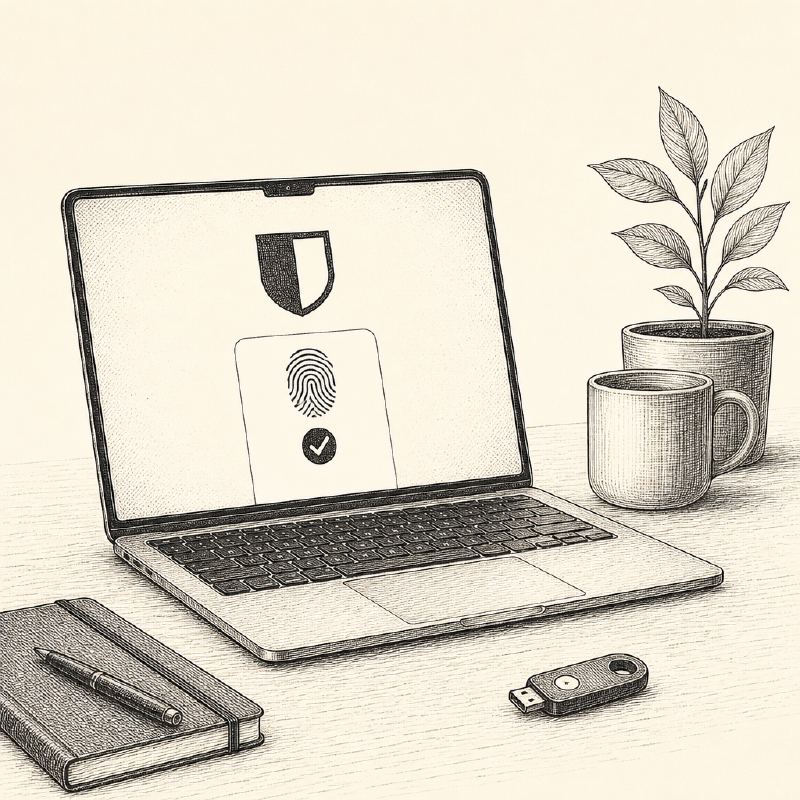
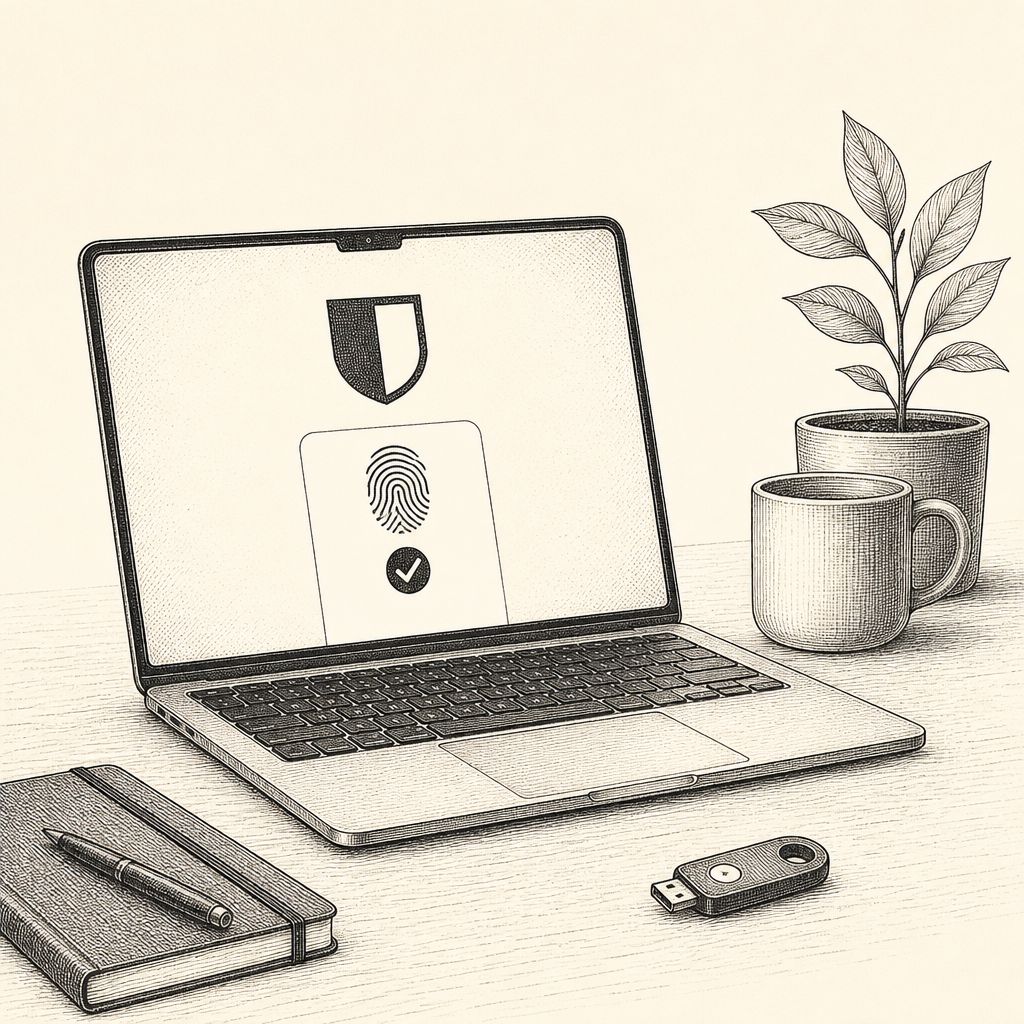
Password manager Bitwarden has significantly expanded its passkey support with new integrations for both Windows and macOS operating systems. These updates enable users to leverage their device's native biometric authentication methods, such as Windows Hello and Apple Touch ID, to log in to Bitwarden and unlock their password vaults. This move aims to streamline access and encourage the adoption of phishing-resistant, passwordless authentication methods.
The enhanced passkey login functionality allows users on compatible Windows and Mac devices to authenticate directly into the Bitwarden web app or browser extension. Verification occurs through Windows Hello or Apple Touch ID, using a passkey stored on the device, even outside the Bitwarden vault itself. Once configured for vault encryption, this process can bypass the need for entering an email address, master password, or two-step login code, simplifying the user experience while maintaining Bitwarden's end-to-end, zero-knowledge encryption.
This streamlined login flow is made possible by the WebAuthn PRF extension, which supports vault decryption in conjunction with passkey authentication. For this feature to function, both the browser and the authenticator must support the PRF extension, ensuring secure and efficient access.
Beyond simplified login, Bitwarden has also made its native operating system passkey integration generally available for Windows 11 and macOS. This feature, building on a beta introduction for Windows 11, allows users to designate Bitwarden as their passkey provider directly within the operating system's authentication prompts. When creating or using passkeys for compatible applications, users can now store these credentials securely within their Bitwarden vault, with seamless syncing across all their devices.
This native integration extends the utility of passkeys beyond the browser. Users can authenticate into applications outside of web browsers using passkeys managed by Bitwarden. Furthermore, it enables users to sign into supported websites without needing the Bitwarden browser extension installed, offering greater flexibility and convenience.
These new capabilities complement Bitwarden's existing passkey features. Users can already manage passkeys within the vault, use them for logging into Bitwarden itself, employ them as a two-step login method, and even sign into Windows devices with passkeys in Microsoft Entra ID environments. The latest updates further embed passkey functionality into the user's daily workflow.
The passkey login and vault unlock features are accessible via the Bitwarden web app and browser extension on compatible Windows and Mac devices, provided a supported Chromium-based browser like Chrome or Edge is used. Initial setup requires a master password and a passkey configured for vault encryption. For enterprise users leveraging Single Sign-On (SSO), specific configuration adjustments may be necessary for passkey login to function correctly.
Native operating system passkey integration is available through the Bitwarden desktop application on supported Windows 11 and macOS devices. Notably, on Windows 11, users must utilize the Microsoft Store version of the Bitwarden desktop application to access this feature. These advancements underscore Bitwarden's commitment to enhancing security and user experience through modern authentication standards.