
AgtaBackup RAT Abuses Fake Microsoft Store Pages to Deploy RMM Tools for System Hijacking
A new remote access trojan, AgtaBackup RAT, is leveraging deceptive Microsoft Store-like pages to trick users into installing legitimate remote monitoring and management (RMM) tools, granting attackers stealthy system control.
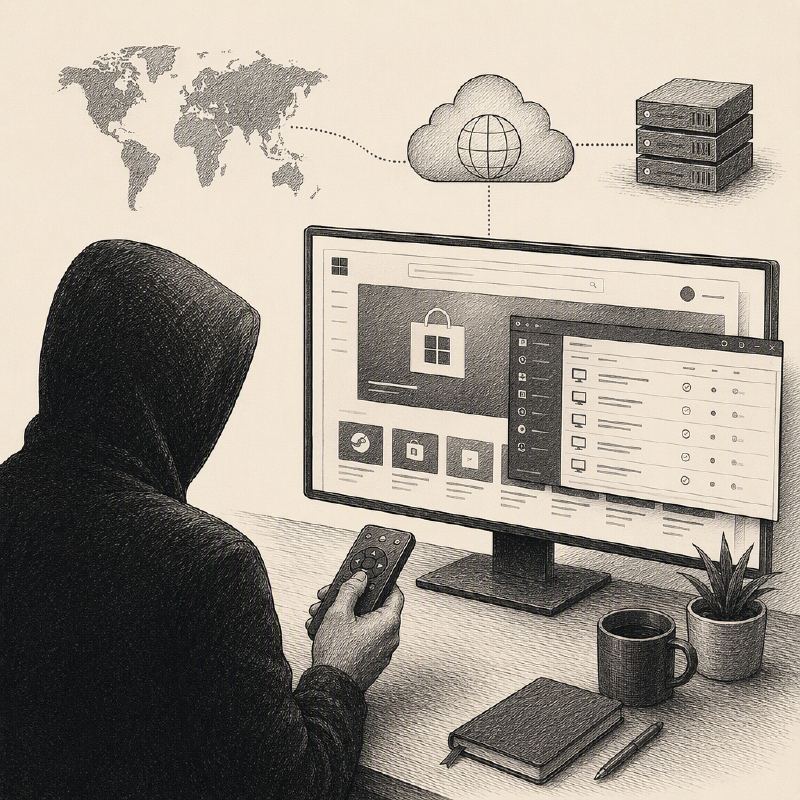
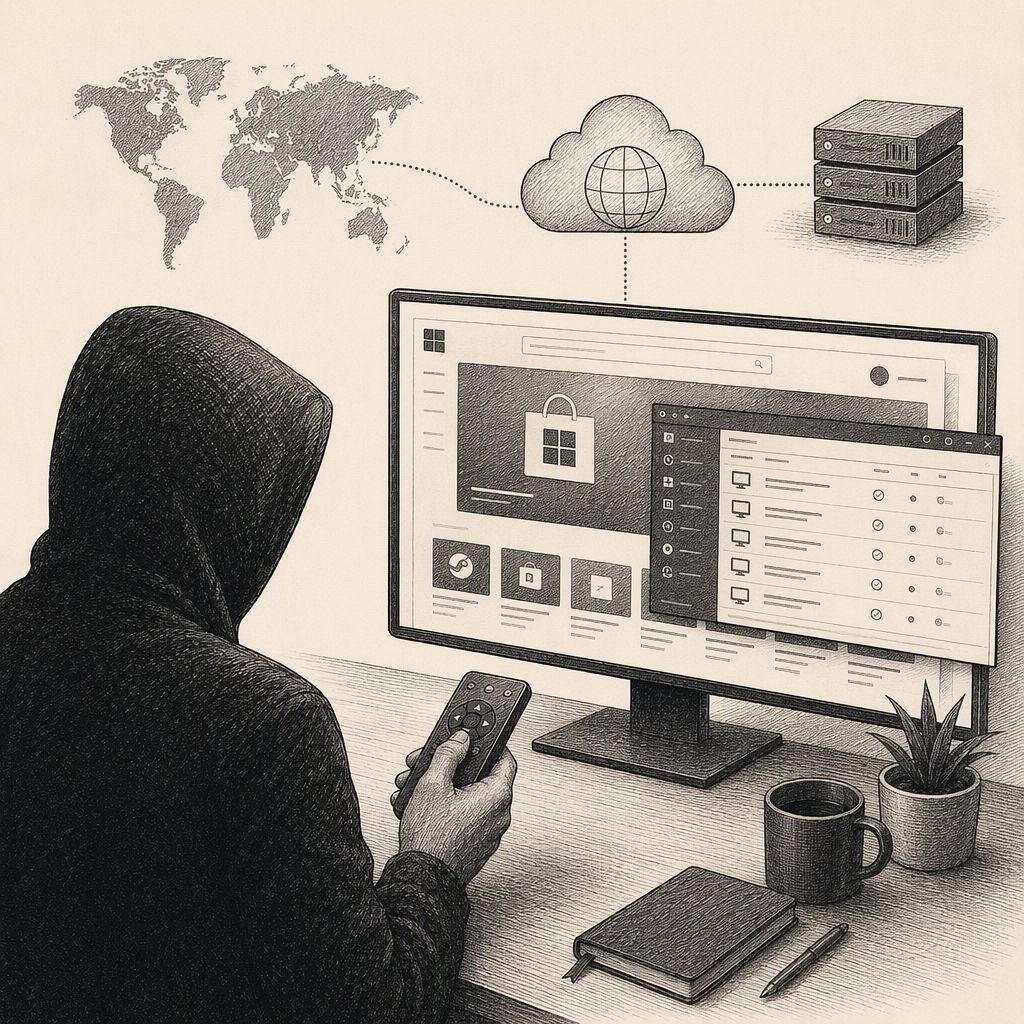
A sophisticated new threat, dubbed AgtaBackup RAT, has emerged, employing a cunning social engineering tactic by creating fake Microsoft Store pages to lure unsuspecting users. These deceptive pages, designed to mimic legitimate listings for popular software like video-conferencing applications, instead deliver a seemingly innocuous installer for a legitimate Remote Monitoring and Management (RMM) tool. This initial step is crucial for the attackers, as the RMM installer is typically signed and its installation process appears normal, helping it bypass initial scrutiny.
Once a user approves a Windows User Account Control (UAC) prompt, the RMM client quietly enrolls the compromised computer into an attacker-controlled account. This grants the threat actors a hands-on remote access session that can easily be mistaken for routine IT support activity, providing a stealthy entry point into the victim's system. Researchers at Palo Alto Networks Unit 42 identified the malware, noting that the custom .NET backdoor is designed to enable long-term system control, facilitate data theft, and conduct surveillance.
The infection chain begins with a landing page meticulously crafted to resemble a Microsoft Store product listing. When a user attempts to download the advertised software, they are instead presented with an MSI package for an RMM tool, such as LogMeIn Resolve or ConnectWise ScreenConnect. This tactic of hiding malicious payloads behind familiar branding has been observed in previous campaigns, underscoring the need for vigilance even when dealing with seemingly trusted interfaces.
Following the RMM installation, the attackers maintain a period of quiet access, which can last for hours or even days, before initiating the next stage. They then execute a PowerShell command to download and silently install the AgtaBackup RAT itself. This multi-stage approach, using a legitimate RMM tool as a bridge to a more potent backdoor, is a common technique seen in various malware operations, highlighting the evolving tactics of cybercriminals.
The AgtaBackup RAT is installed as a hidden SYSTEM service, often using a misleading name to blend in with legitimate Windows security processes. To ensure persistence and evade detection, it establishes two scheduled tasks that run every minute and at system startup. If security measures attempt to stop the service or remove its associated directory, these components are designed to restore the malware within a minute, making partial cleanup efforts potentially risky and ineffective.
Upon successful installation, the RAT establishes a persistent connection to its command and control (C2) server, checking in every two seconds via a WebSocket channel for live commands. It then proceeds to inventory the compromised device, capable of executing PowerShell commands, transferring files, deploying additional software, capturing screenshots, and operating a hidden desktop for covert surveillance. This hidden workspace allows attackers to execute commands without any visible indication to the logged-in user.
Beyond system control, AgtaBackup RAT is adept at credential theft, targeting saved data from nine different browser families, including Chrome, Edge, Firefox, Brave, and others. It also deploys a separate keylogger, disguised as a legitimate Windows security process, to capture keystrokes. The malware can further enhance its stealth by manipulating Windows settings to move UAC prompts away from the secure desktop, allowing for remote input injection, and by restricting service permissions to limit visibility for non-SYSTEM users.
Security teams are advised to investigate any unapproved RMM tool enrollments, especially when RMM processes are observed launching PowerShell for MSI downloads or executing silent msiexec commands. Alerts should also be raised for repeated service restoration tasks, unusual control traffic, and unsigned SYSTEM processes accessing sensitive browser files. Users are strongly encouraged to obtain software only from official, trusted sources to mitigate the risk of falling victim to such deceptive distribution methods.