
7-Zip Bypass of Windows SmartScreen Allows Malicious Files to Evade Detection
A behavior in 7-Zip versions prior to 24.09 allows malicious files to bypass Windows SmartScreen by stripping the Mark-of-the-Web tag.
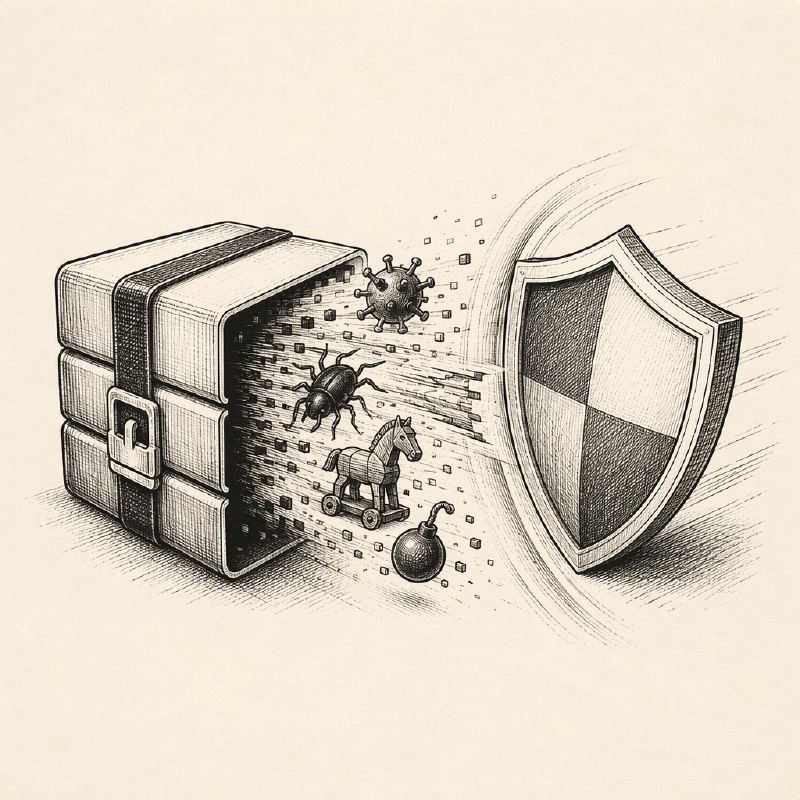

A newly identified behavior in 7-Zip, a widely used file compression utility, can undermine a critical Windows security feature, potentially allowing malicious executables to run without user warning. Versions of 7-Zip prior to 24.09 fail to propagate the Mark-of-the-Web (MotW) tag from downloaded ZIP archives to the files extracted from them. This omission prevents Windows SmartScreen, a built-in defense mechanism, from performing its reputation-based checks, thereby creating a significant security gap.
The Mark-of-the-Web is a metadata tag that Windows attaches to files downloaded from the internet. It signals to the operating system and security software that the file originated from an untrusted source, such as the internet. When a user attempts to open an executable file with this tag, Windows SmartScreen can intervene, displaying a warning prompt if the file is unrecognized or has a poor reputation. This layer of defense is crucial for preventing users from inadvertently running malware disguised as legitimate software.
Researchers at Attackd discovered this control gap while investigating phishing delivery methods. They found that when a ZIP archive containing the MotW tag is extracted using older versions of 7-Zip, the extracted executable loses this crucial tag. Consequently, when the user attempts to launch the file, SmartScreen does not trigger its reputation checks, effectively allowing unsigned or unknown malicious files to proceed without the usual cautionary alert.
This behavior is not a newly discovered vulnerability within 7-Zip's code itself, but rather a consequence of its default configuration. The setting "Propagate Zone.Id stream" in the tested versions of 7-Zip defaults to "No." This means that the Zone.Identifier data stream, which contains the MotW information, is not carried over to the extracted files. While other security measures like antivirus software may still detect the malicious file, the absence of the SmartScreen prompt removes an important initial hurdle for attackers.
The implications of this bypass are particularly concerning in the context of phishing campaigns. Attackers often use ZIP archives to deliver malware, disguising them as invoices, software updates, or shared documents. By leveraging 7-Zip's behavior, they can increase the likelihood of their malicious payloads reaching the victim's system undetected by SmartScreen, relying on the user's trust in the archive's apparent legitimacy.
Attackd's research also highlighted that modern Windows File Explorer's built-in extraction capabilities, particularly for password-protected ZIP files, do propagate the MotW tag. This contrasts with 7-Zip's default behavior. The researchers suggest that enabling the "Propagate Zone.Id stream" setting to "Yes" within 7-Zip's options can mitigate this issue, provided that business workflows allow for such a configuration.
Defenders are advised to review their deployments of 7-Zip and ensure this setting is appropriately configured. Validating this across managed endpoints, testing common download and extraction paths, and maintaining robust endpoint monitoring are essential steps. Furthermore, user education remains critical, emphasizing that the absence of a SmartScreen warning does not equate to a file being safe, and caution should always be exercised when opening unsolicited compressed files.
This finding underscores the importance of understanding how different software tools interact within a security ecosystem. Even when individual components are secure, their combined behavior can introduce unforeseen vulnerabilities. As archive tools continue to evolve, users and security professionals must remain vigilant about potential security gaps, such as those related to metadata propagation and the bypass of essential defenses like Windows SmartScreen.